
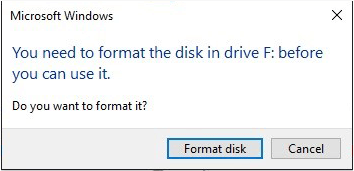
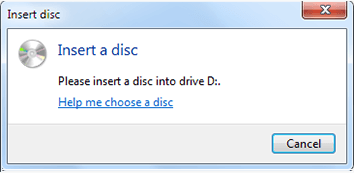
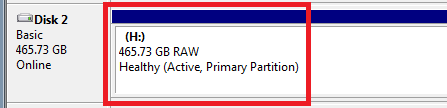
Situation analysis
- Reason 1 : Users did not eject the SD card correctly when digital devices still saving data to the SD card.
- Reason 2 : The storage method (partition format) that the digital devices using is not supported by Windows.

Strong to recover Recover data from the storage devices sustaining many bad sectors;
Supported devices SD card, SDHC, SDXC, USB flash drive, hard disk and computer;
Supported file types Image, video, audio, text, email and so on;
Easy to use Recover data by 3 steps and support to preview scan results;
Multiple scan modes Fast partition/whole partition/whole disk scan.
▽ Free Trial (Win) ▽ Free Trial (Mac) (Win)Solution
1. Recover data from SD card. (If you do not want to recover data from the SD card, please skip this sector.)
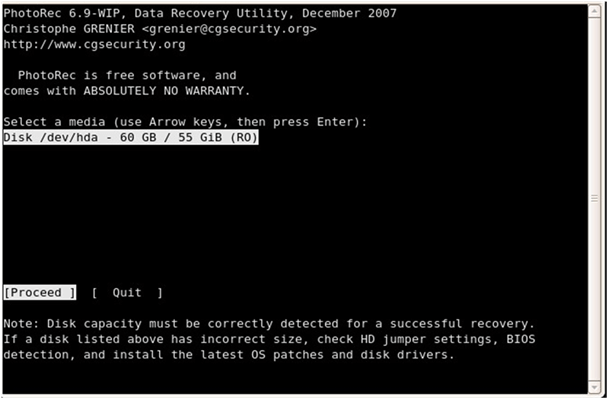
- Select target disk in Photorec -
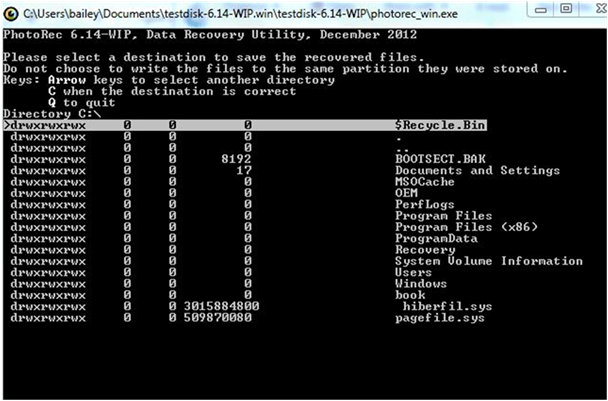
-Check scan result in Photorec-
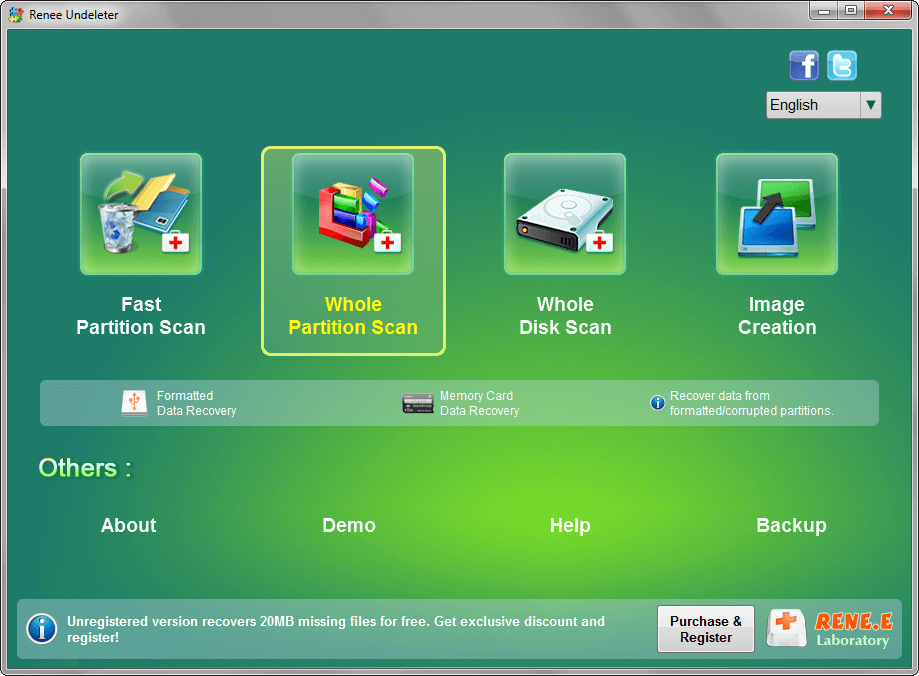
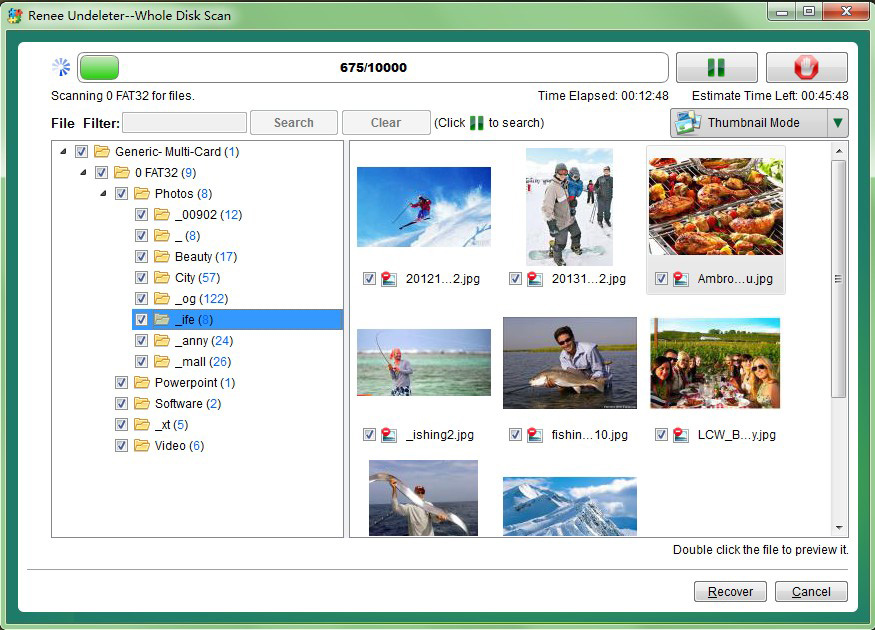
How to recover data from SD card with Renee Undeleter



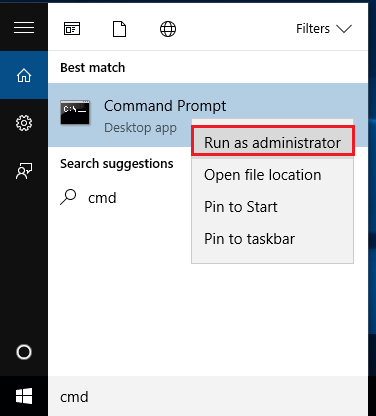
2.Repair the SD card after recovery
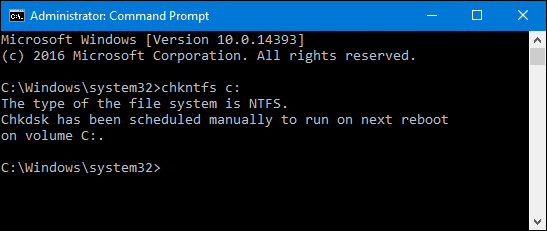
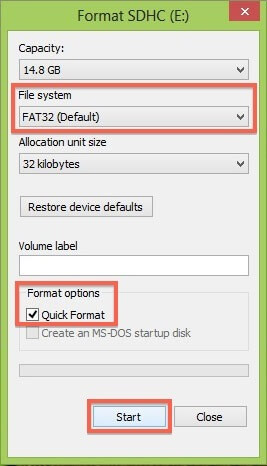
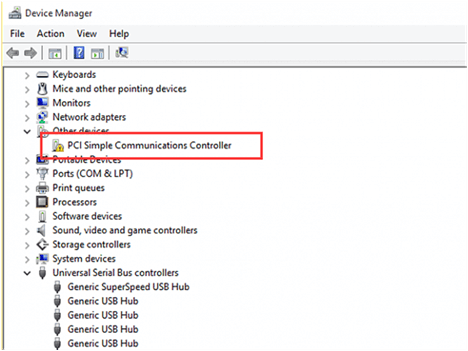
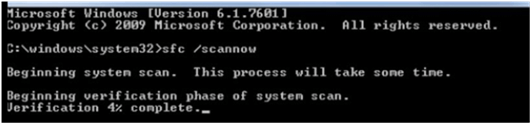
1. Driver of SD card did not install correctly
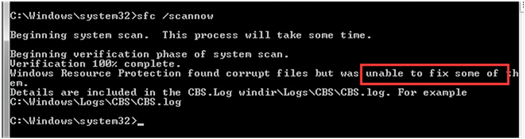
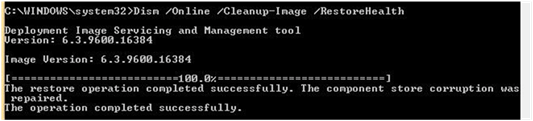
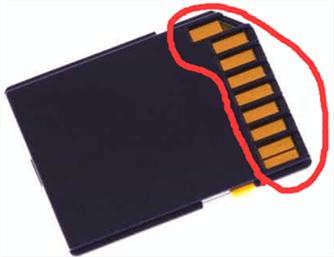
1). Oxidation in SD Card Pin-out make it not recognized
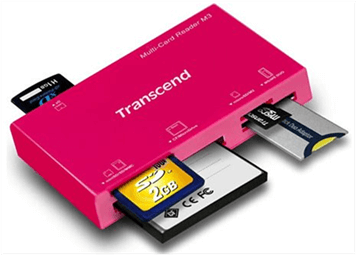
2). It could be the problem of the multicard reader
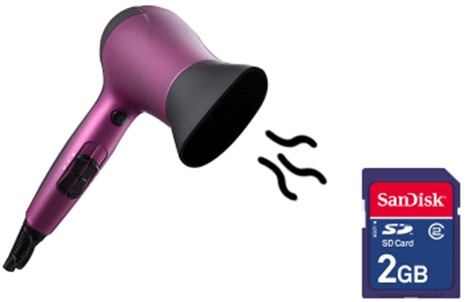
3). SD card falls into water and gets short circuit


Relate Links :
USB Device not Recognized in Windows 10/8/7? Overall Solutions for Fix and Recovery

25-02-2019
Ashley S. Miller : Receive notification like "USB device not recognized", "You need to format the disk before you can use it",...
Solved: Hard Drive/SSD Not Showing Up or Recognized in Windows 10/8.1/8/7
25-02-2019
Ashley S. Miller : New purchased SSD or hard disk is not showing up in computer? Disk suddenly fails to be recognized...
Comments
0 comments
Please sign in to leave a comment.