
Summary
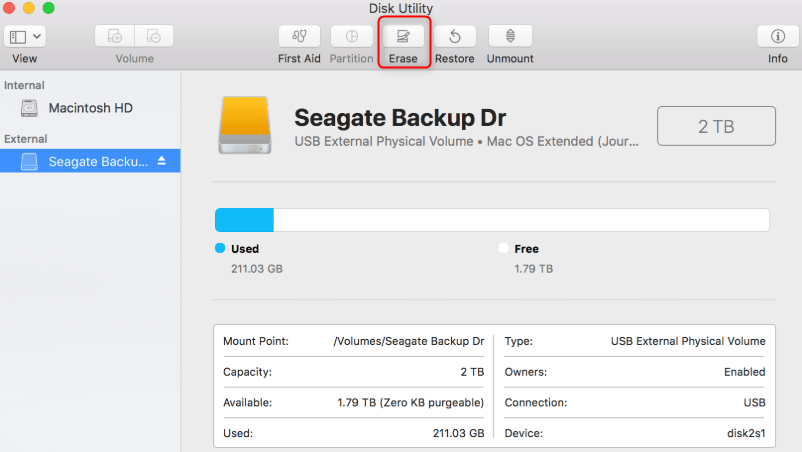
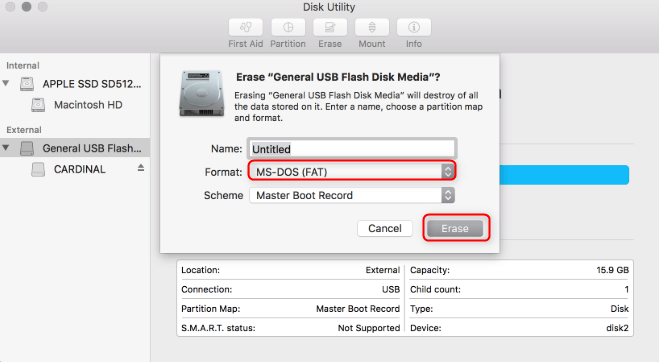
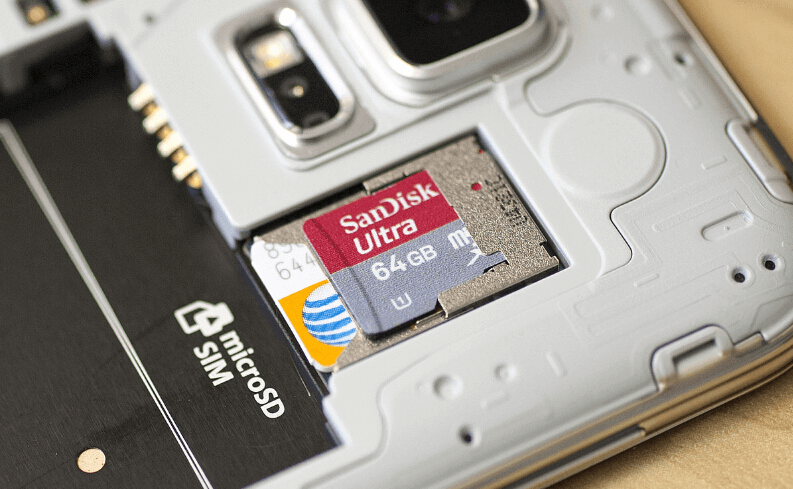
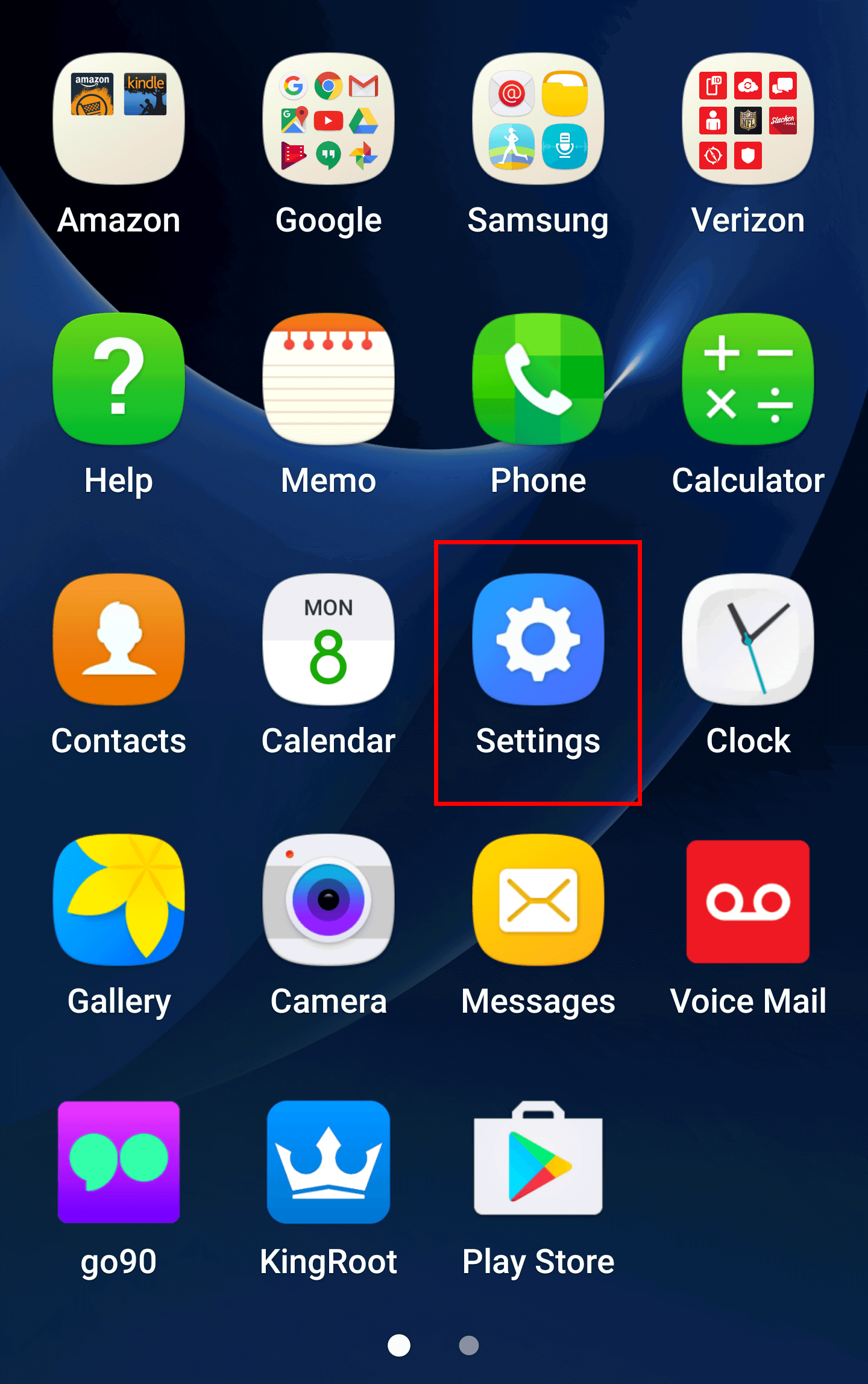
SD cards are now widely used in portable devices due to the tiny size and high-speed data transfer. How to format a SD card on Mac, Windows or Android? In this essay, we will provide some methods . Then, we will talk about how to recover a formatted SD card.
That is to say, formatting can erase all data on a SD card, rebuild a file system and reallocate the storage space. Once formatted, the SD card will go blank. Yet, when a SD card should be formatted?
- Modify the file system of the SD card before using it on another devices.
- The SD card is inaccessible due to the file system errors. Formatting is a way to fix the card.
- The storage space of the SD card is full. Formatting can empty out the space for new data.
- The SD card is attacked by virus or malware. Formatting can clear them.
- Back up the important SD card files and save them in a safe folder.
- Recover the damaged data on the SD card before formatting
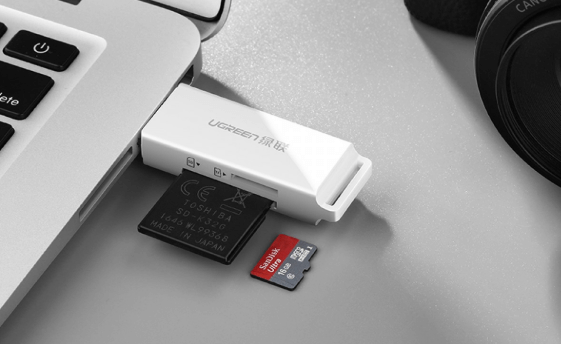
- Check whether the SD card slot and the card reader can be used.
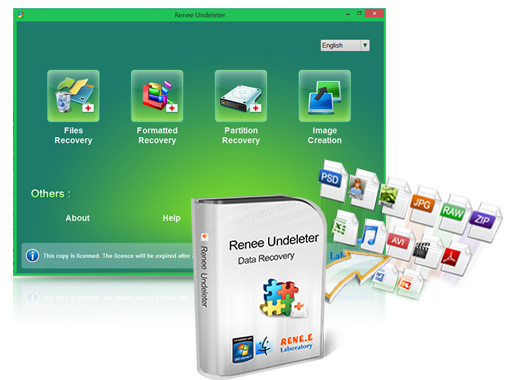
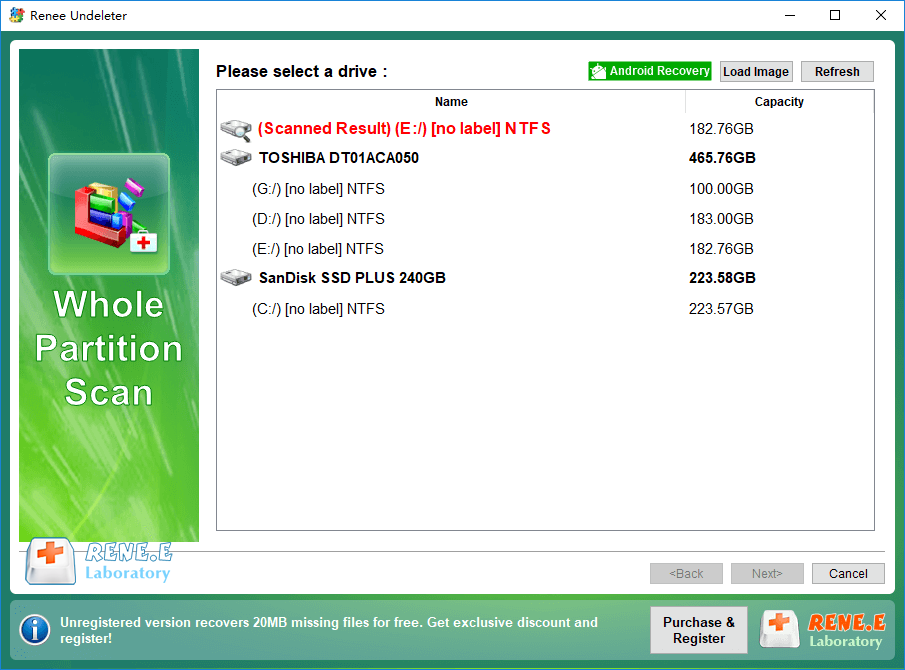
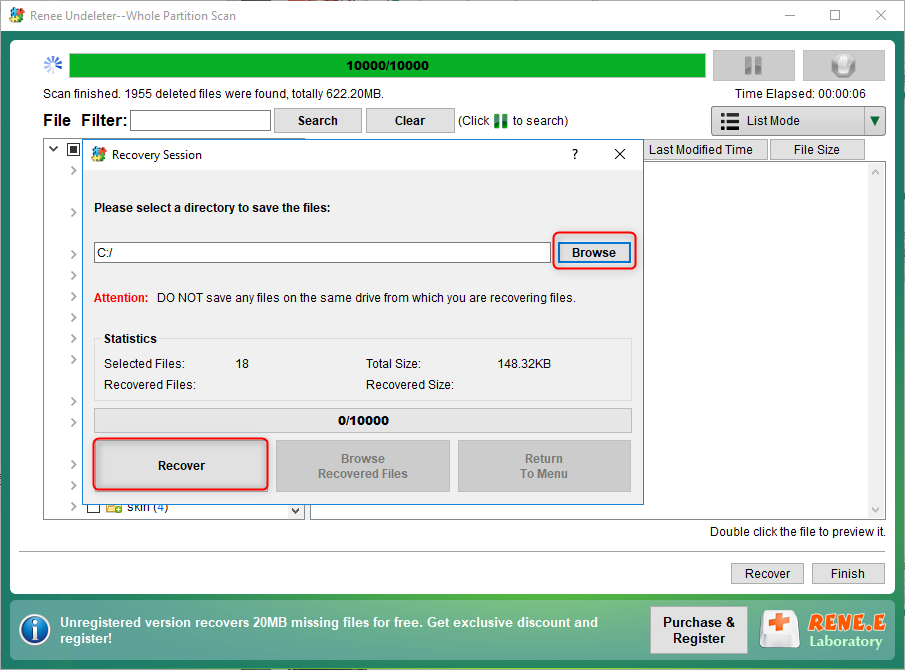
Easy to use 3 steps to recover formatted data back.
Multi Recovery Modes File recovery, Whole partition recovery and Whole disk recover are available.
Support Different File Types Photos, videos, audios, files, emails, etc.
Image Creation Creat image for disk or parititon.
Compatible with Different Devices SD card, SDHC, SDXC, USB disk, computer, etc.
▽ Free Trial (Win) ▽ Free Trial (Mac)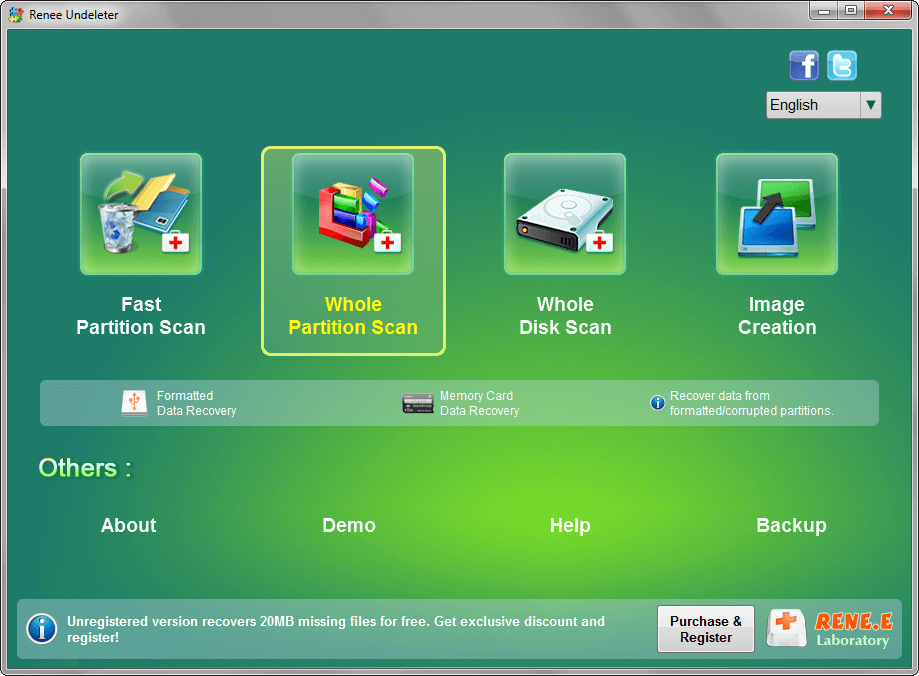
Relate Links :
How to Transfer 3Ds Data in SD Card to Another

22-07-2019
Amanda J. Brook : NINTENDO 3DS, hereinafter referred to as 3DS, is the fourth-generation handheld game console released by Nintendo in 2011....
Fix Corrupted SD Card Not Showing Up in Android Devices

15-07-2019
Ashley S. Miller : Sometimes, an SD card is not showing up on an Android phone. Why? How to fix a corrupted...
Comments
0 comments
Please sign in to leave a comment.