CRC, fully known as Cyclic Redundancy Check, is the data error detecting technology used for storage devices (hard disk, CD, DVD, USB, SD card) beyond digital networks. In the computer operating system, it is served as data verification method to check the data when they are being transferred or saved.
When CRC is built in the storage device, it will generate the cyclic codes used for data transfer. When the system gets access to the data, CRC will compare the cyclic codes with the target data. If it spots any bad point on the storage device being accessed, the CRC data error (cyclic redundancy check) will occur.
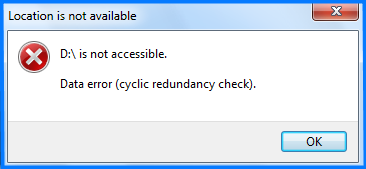
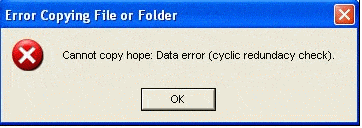
Now, we should learn about the factors that can cause the CRC data error. Here are the main factors:
- Misconfigured system files
- Registry corruption
- Unsuccessful program installation
- Accidental shutdown
- Improper pullout
- Bad blocks on storage devices
- Attack from malware or virus
Note: Despite the CRC (cyclic redundancy check) data error block you to visit the storage devices, you can still recover the inside data . We recommend you take this action before fixing the CRC error. Once the data is overwritten or altered, they are hardly restored.
With the CHKDSK utility on Windows, you can check the integrity of the disks and fix the logical file errors, the bad blocks and the file systems.
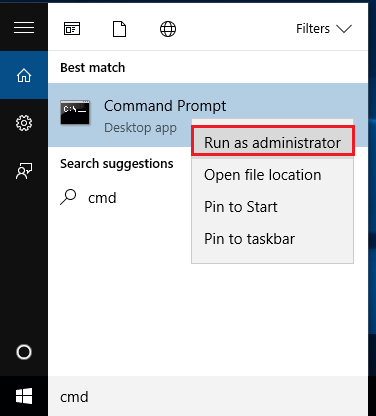
① Press the keys [ Win + Q ] and search [ cmd ].

② Right-click at the result [ Command Prompt ], and then select [ Run as administrator ].
③ In Command Prompt, type [ chkdsk F:/F ] and press Enter to run this command.
Note: “F:” is the letter of the target storage device and “/F” is the fix order.
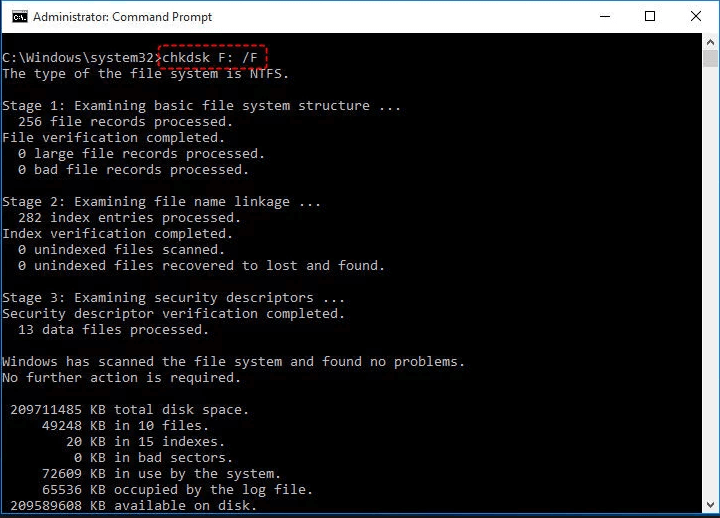
④ After that, the CHKDSK utility will check the disk and fix the errors.
SFC, or System File Checker, is a tool to fix the Windows system files, including DLL files, registry files and the other protected files. Thus, running SFC is helpful to fix the CRC error resulted from file system or registry corruption.
① Open Command Prompt. Then, type [ sfc/scannow ] and press Enter to run.
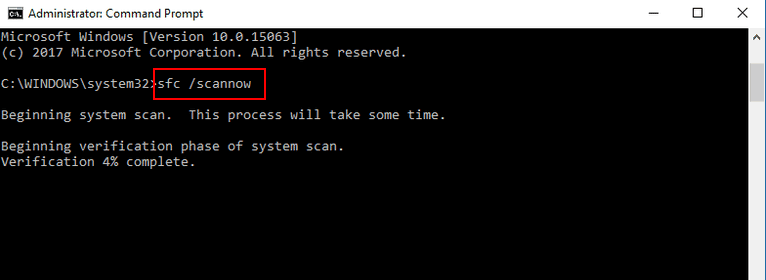
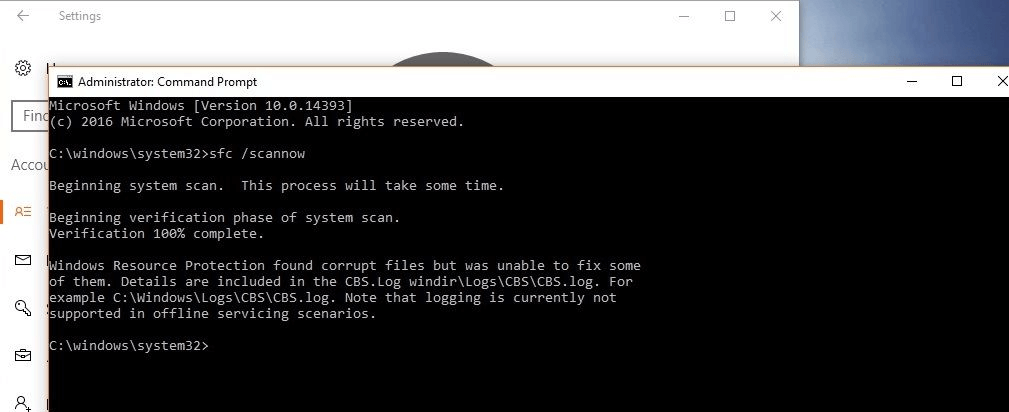
② Next, SFC will scan the system files and replace the corrupted or lost files with new files.
③ It is time consuming. Please wait for it patiently and restart the computer afterwards.
Reminder! If you cannot eliminate the CRC error through the above methods, you should format the device. Please refer to more details on this article if you are not clear about how to format a storage device . You are also welcomed to learn about how to recover data from the formatted data .
Renee Undeleter is professional software for data recovery. It supports to recover many file types in three recovery modes, including fast partition scan, whole partition scan and whole disk scan. That facilitates you to recover the lost data from the formatted/deleted, corrupted or inaccessible hard disk, SD card, USB and the other storage devices as much as possible.
Steps:
① Download and install Renee Undeleter. Then, launch the software.
② Select an appropriate scan mode. Take [ Fast Partition Scan ] as an example.
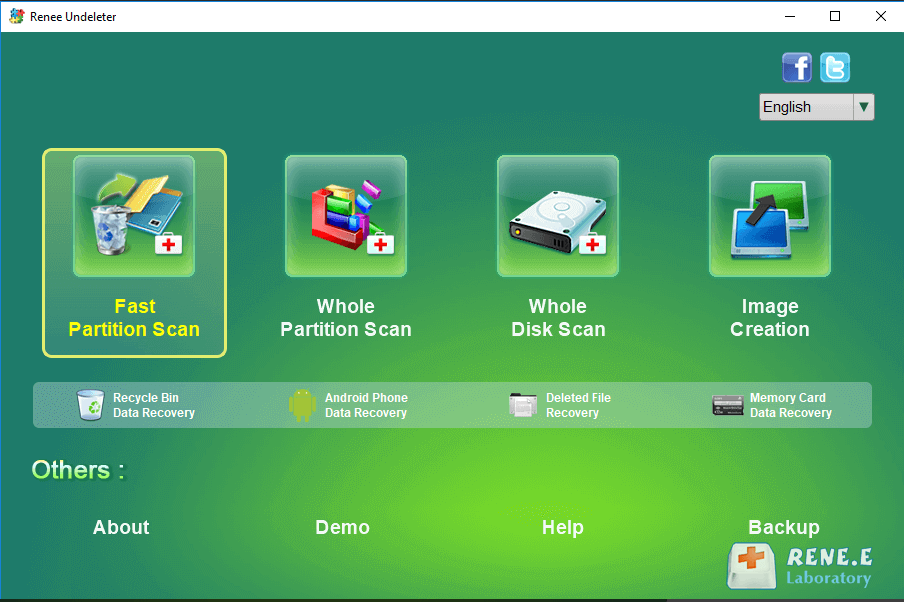
③ Select the target drive or the target partition. Then, click [ Next ] to go on.
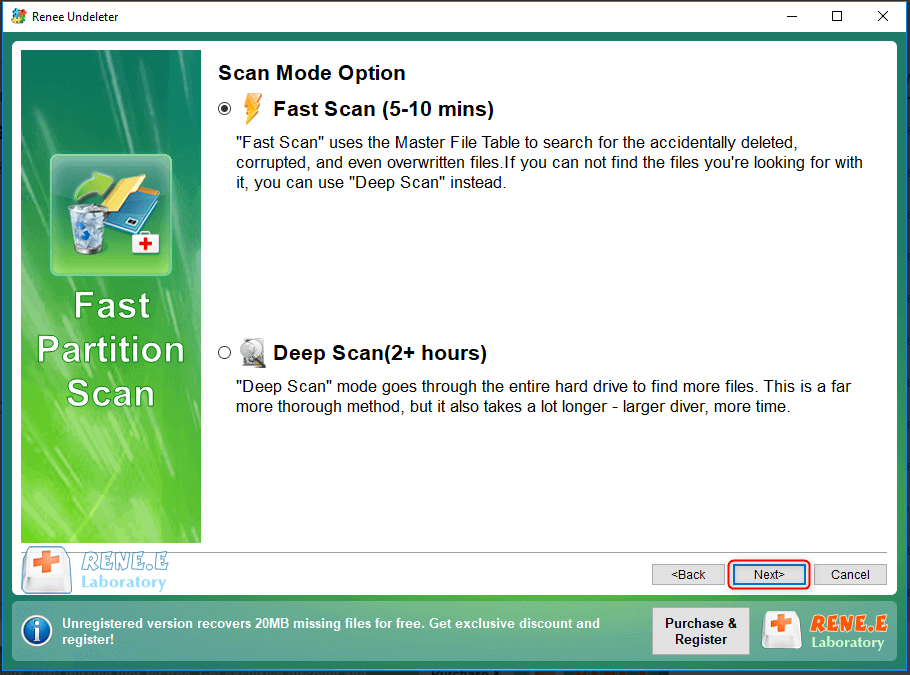
④ Check one way to scan, [ Fast Scan ] or [ Deep Scan ]. The former way is less time-consuming and the latter one can go through the whole drive.
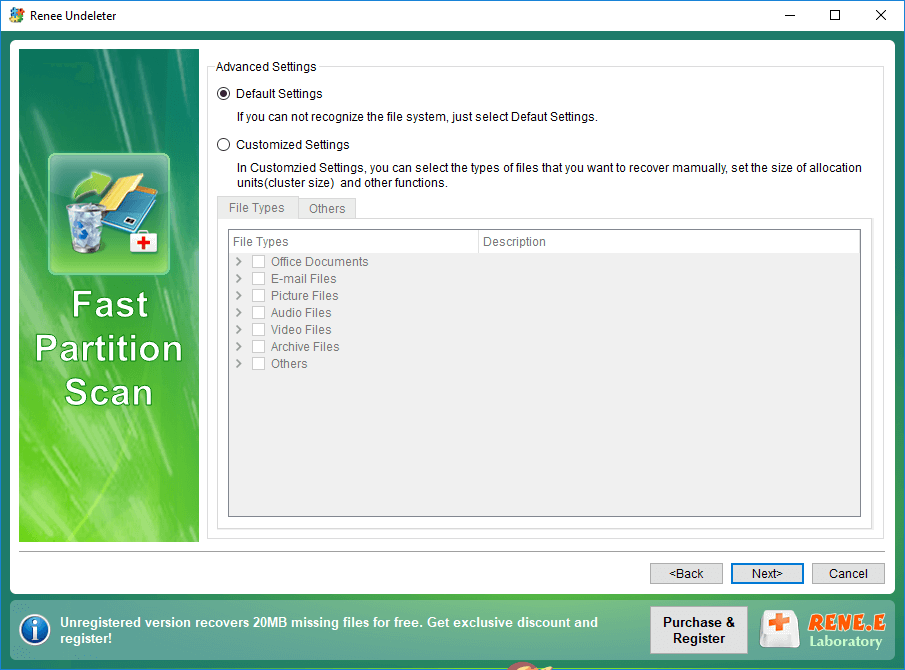
⑤ After that, select the target file types. If you are not sure the options, please select [ Default Settings ].
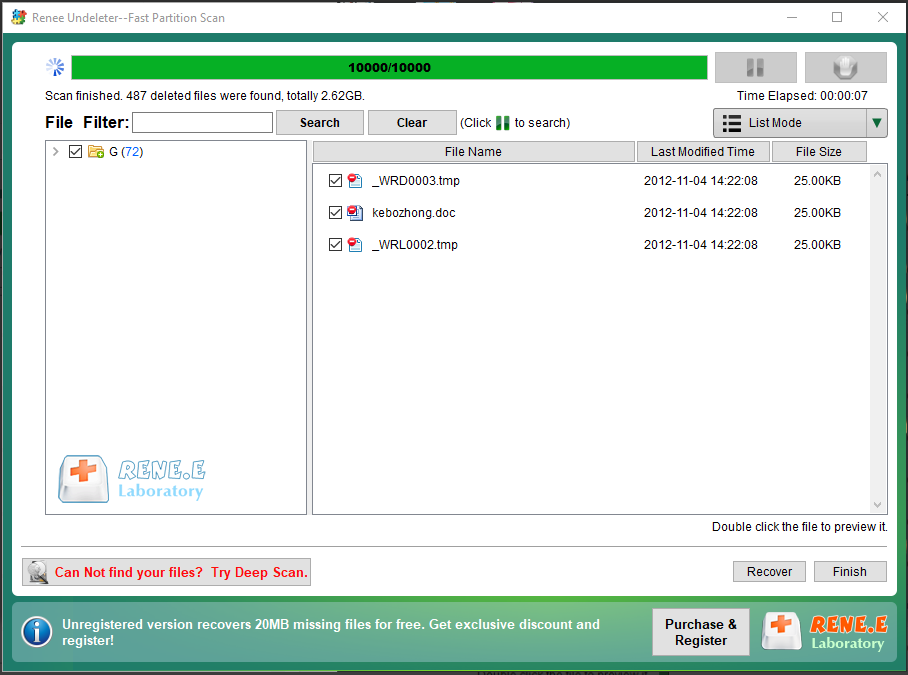
⑥ Wait for scanning. Finally, double-click the files to preview and check the target files. Click [ Recover ] to save them.
Reminder! Remember not to save the recovered files on the storage device that is going to be fixed. Otherwise, the data will be easily overwritten during the process.
Relate Links :
Tips for Using HDD Low Level Format Tool

29-09-2019
Amanda J. Brook : HDD (hard disk drive), including internal and external hard drive, is the basic storage device on a computer....
How to Reformat an Internal or External Hard Drive on Windows 10?
16-09-2019
Amanda J. Brook : Hard disk has been playing an important role in data storage since computer was invented. The data stored...
How When System Prompts for the Data Error (Cyclic Redundancy Check)?
Comments
0 comments
Please sign in to leave a comment.