
Summary
Formatting the removable disk can clear the damaged files and the unnecessary data. The operation is very easy and effective. Therefore, this method is welcomed. However, some users meet with the problem that Window was unable to complete the format. In this essay, we will tell you the reasons and show you how to solve the problem.


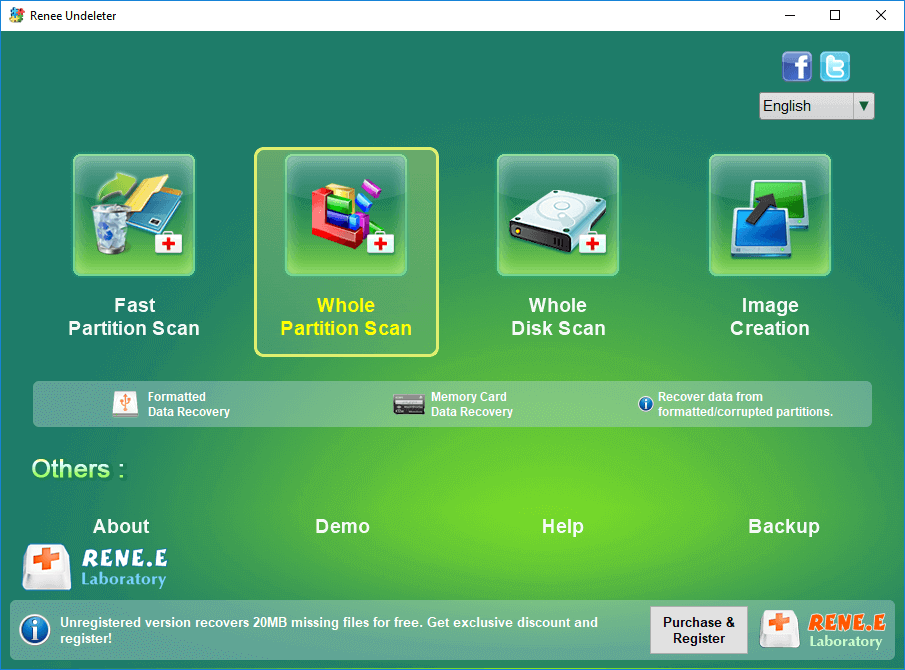
• Fast partition scan – Recover the files after emptying Recycle Bin or deleted by mistake without data backup.
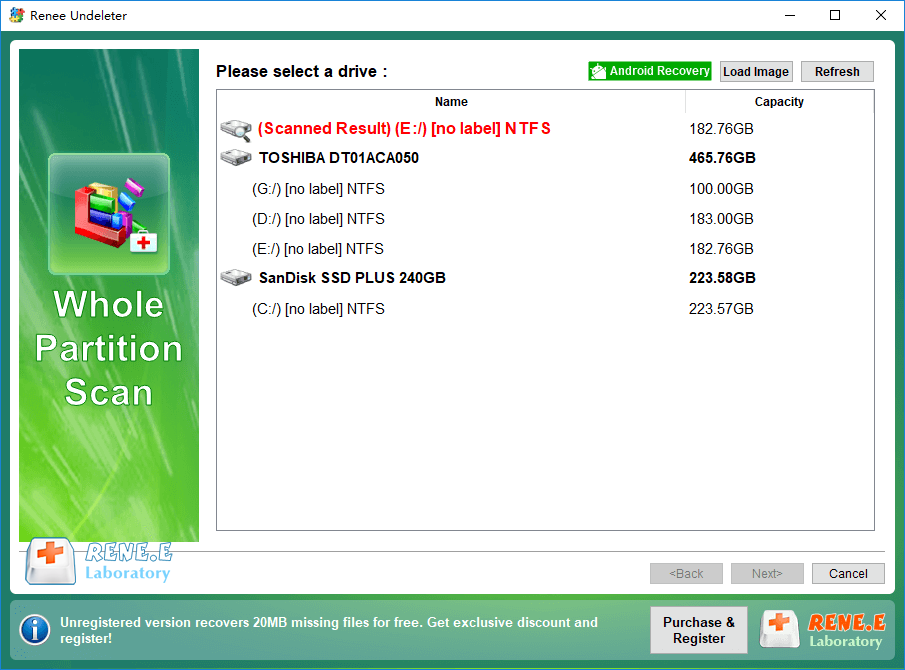
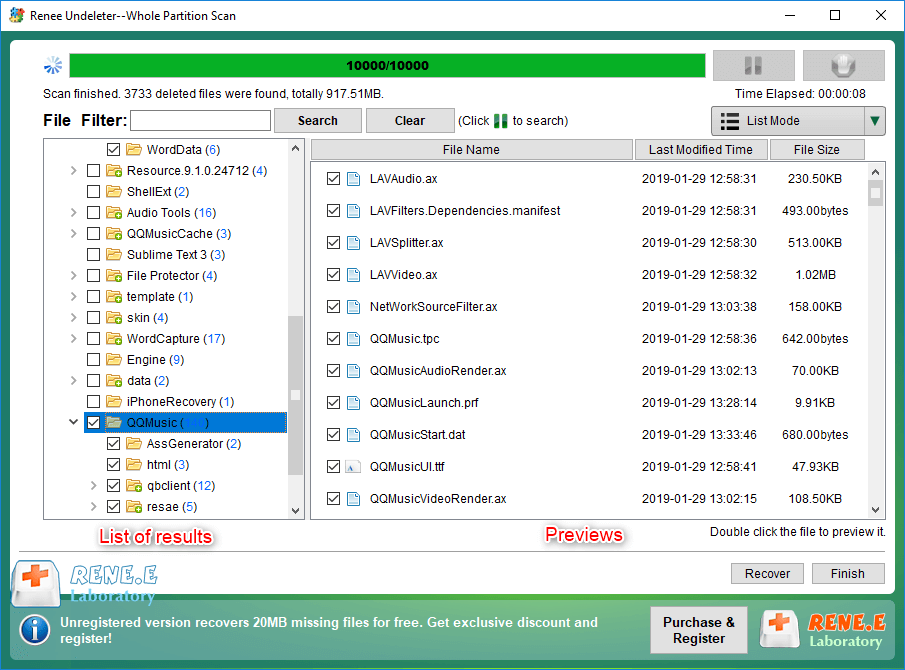
• Whole partition scan – Scan the whole partition and list all files, especially for the formatted partition or inaccessible issue.
• Whole disk scan – Scan entire disk to find out all partitions’ information and simulate the partition table.
• Image creation – Create a partition image which can be used in case that reading partition is slow or need a backup.
Relate Links :
How to Recover Data from Corrupted USB Flash Drive?

27-07-2021
Ashley S. Miller : It is easy and convenient to use the USB flash drive. When the USB is used for a...
Recommended SD Card Recovery Software on Windows/Mac OS

29-07-2021
Jennifer Thatcher : Now, many applications support to recover SD card. In this essay, we will recommend the SD card recovery...
How to Solve “Windows was unable to complete the format” Problem?
Comments
0 comments
Please sign in to leave a comment.