
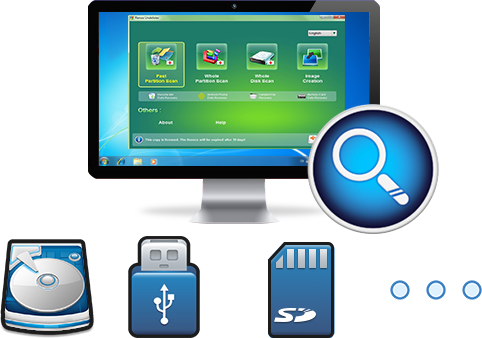
Easy to use Recover data by 3 steps;
Multiple scan modes Fast partition scan, whole partition scan and whole disk scan;
Supported file types Image, video, audio, text, email and so on;
Image creation Create a partition image to read and back up data;
Supported devices SD card, SDHC, SDXC, USB flash drive, hard disk and computer.
▽ Free Trial (Win) ▽ Free Trial (Mac)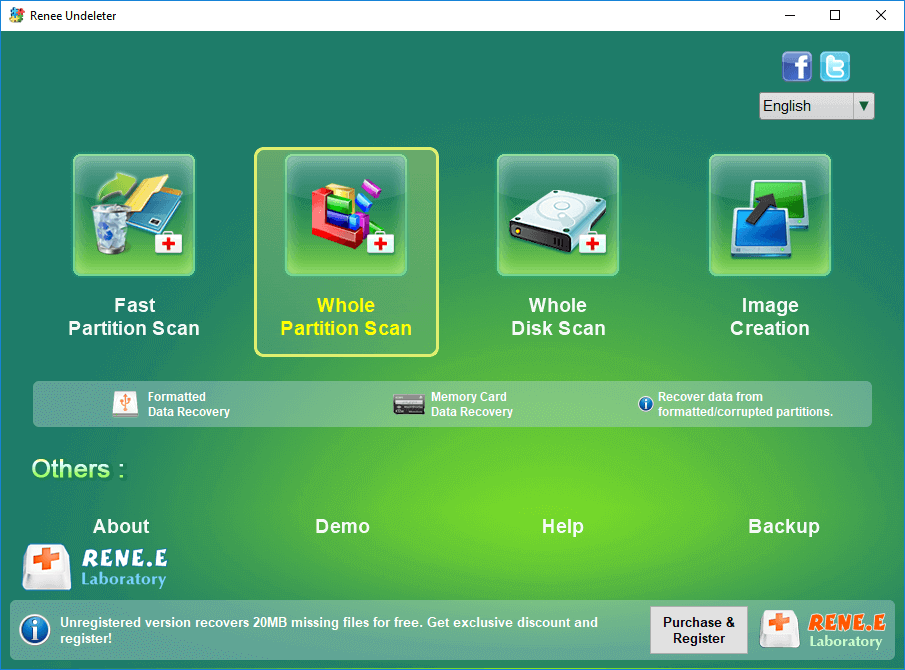
- Fast Partition Scan – Quickly retrieve files lost due to accidental deletion or emptying the recycle bin.
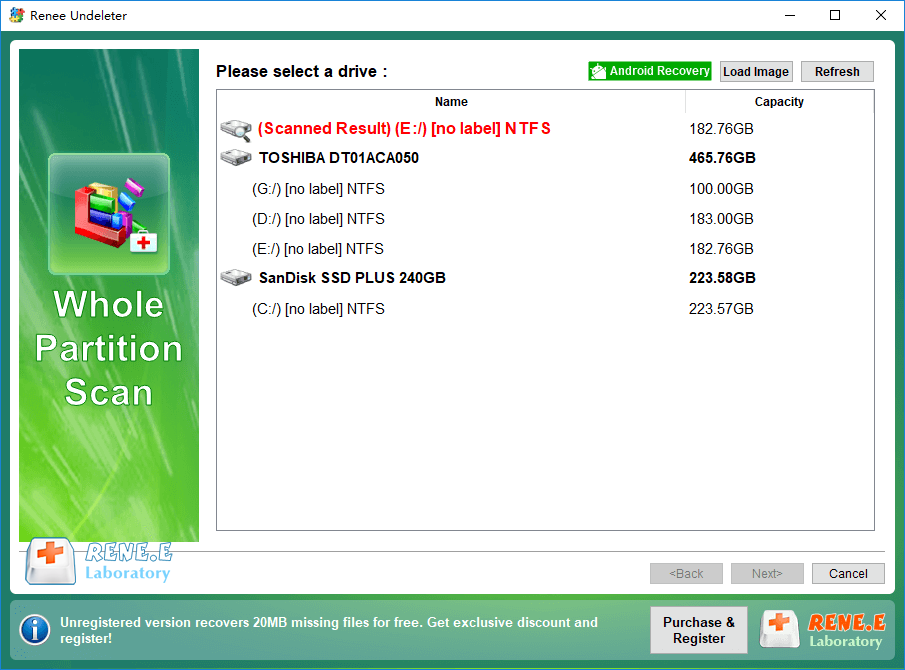
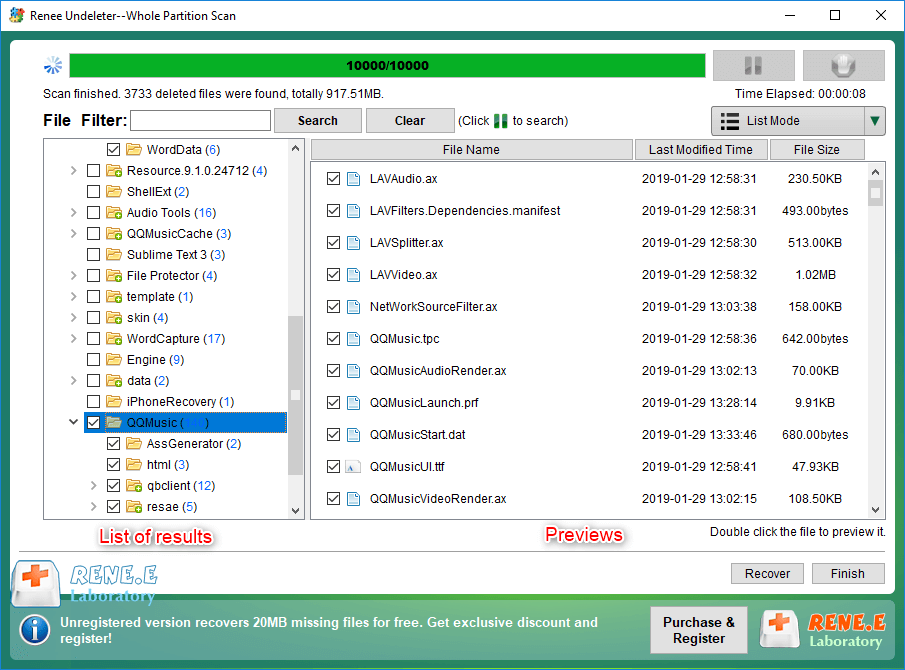
- Whole Partition Scan – Quickly recover files lost due to inaccessible or formatted partitions.
- Whole Disk Scan – Analyze and get partition information and perform a full scan of the entire partition.
- Image Creation – You can create a mirror image for a partition to back up the current partition state.
Relate Links :
Ultimate Guide for Data Recovery from RAW SD Card

11-04-2024
Ashley S. Miller : Discover effective strategies to retrieve data from a RAW SD card and return it to a functional condition...
Revive Lost Data: Best SD Card Recovery Software Mac

03-01-2024
Jennifer Thatcher : Learn about the top 5 SD card recovery software mac to retrieve lost data efficiently. Don't lose precious...
Expert Tips to Recover Data from SDXC Card

11-04-2024
Amanda J. Brook : Master the essentials of SDXC card data recovery and safeguard your crucial information with effective prevention strategies against...
Expert Tips For CF Card Data Recovery
09-04-2024
Ashley S. Miller : Discover the essentials of CF card management and master the techniques for data recovery with this comprehensive guide....
Fix the Android Phone's "SD Card Unexpectedly Removed" Issue
Comments
0 comments
Please sign in to leave a comment.