
Table of contents

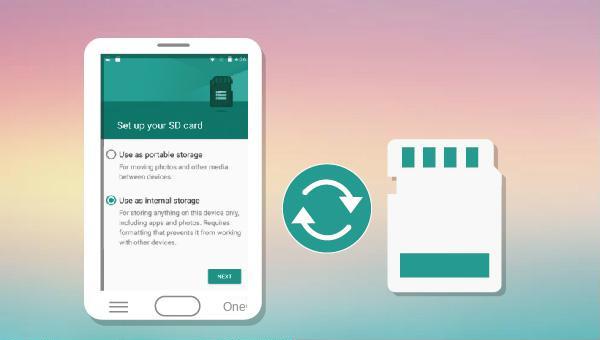
Advantages of converting SD card to built-in storage:
Disadvantages of converting SD card to internal storage:
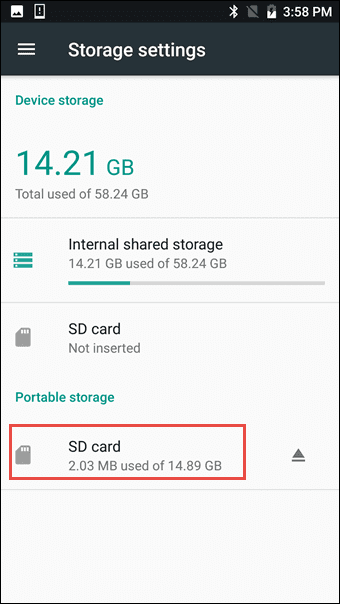
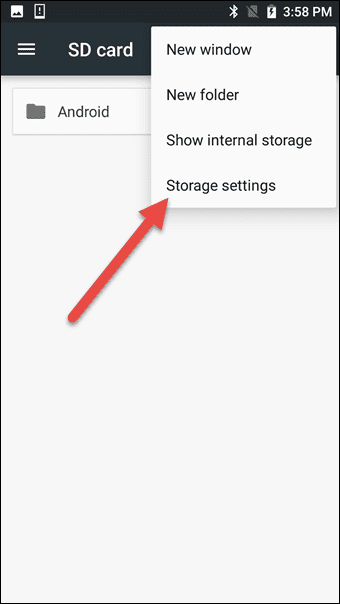
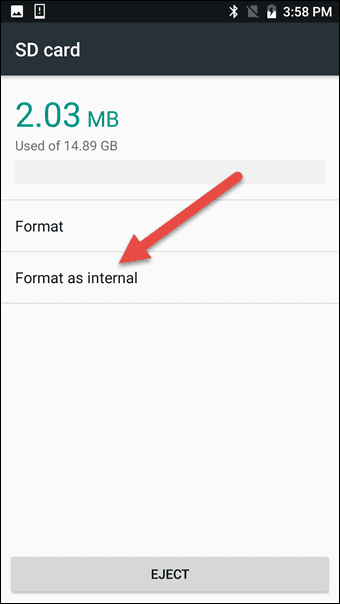
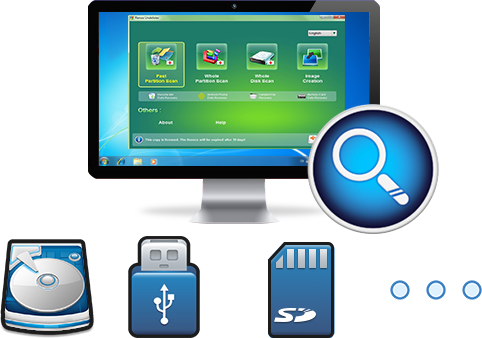
Easy to use Recover data by 3 steps;
Multiple scan modes Fast partition scan, whole partition scan and whole disk scan;
Supported file types Image, video, audio, text, email and so on;
Image creation Create a partition image to read and back up data;
Supported devices SD card, SDHC, SDXC, USB flash drive, hard disk and computer.
▽ Free Trial (Win) ▽ Free Trial (Mac)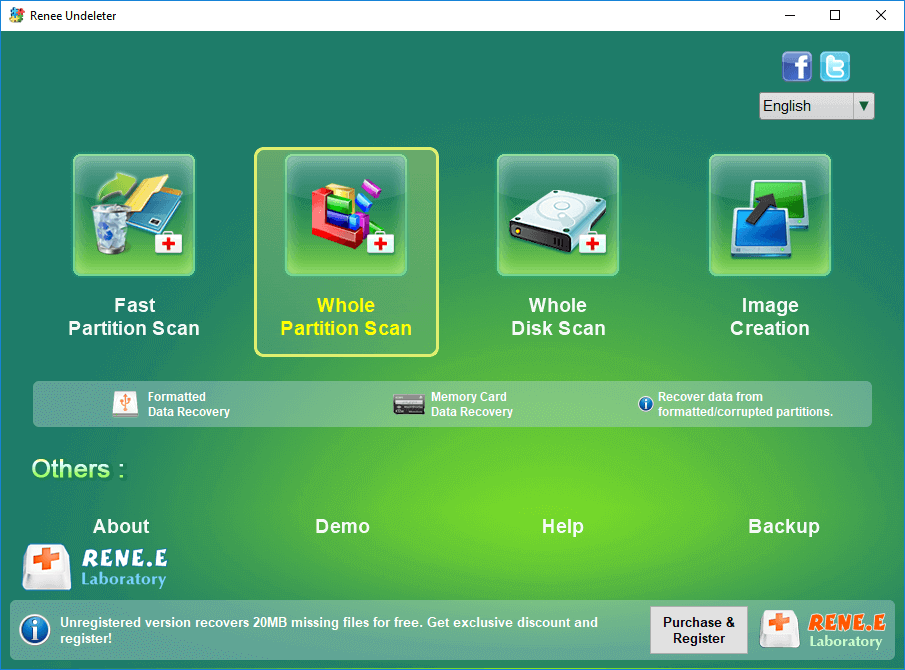
- Fast Partition Scan – Quickly retrieve files lost due to accidental deletion or emptying the recycle bin.
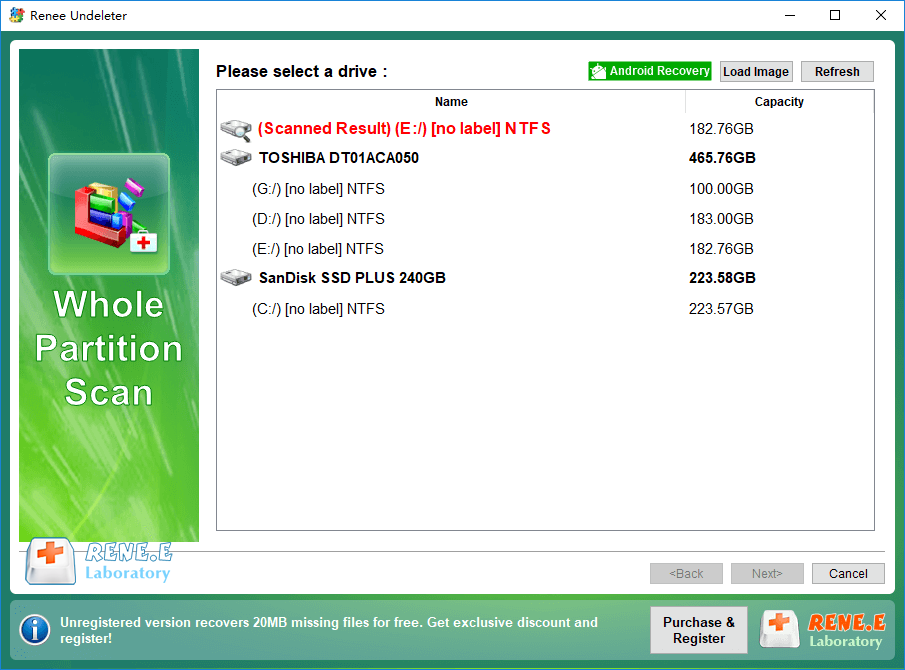
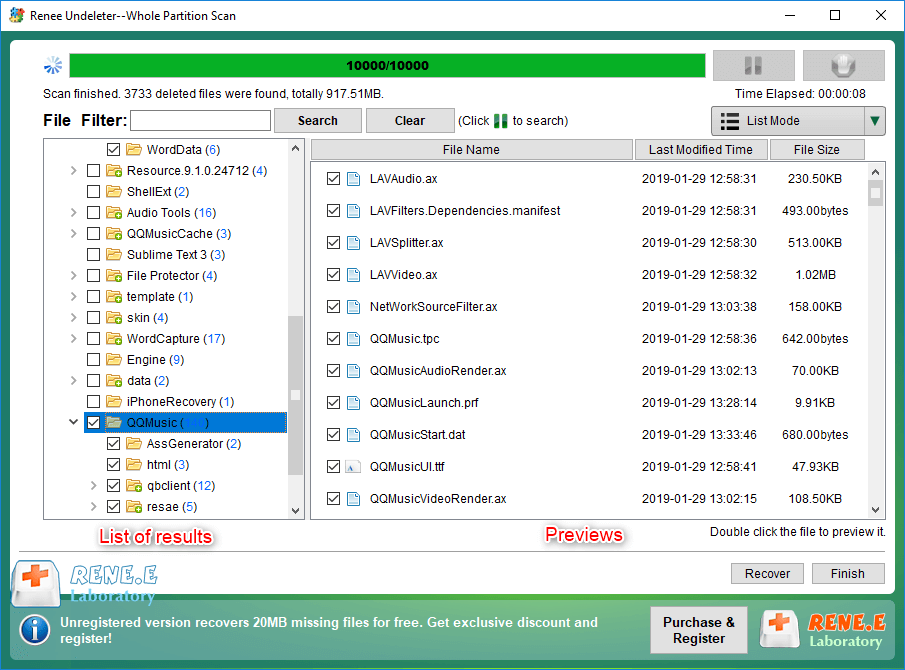
- Whole Partition Scan – Quickly recover files lost due to inaccessible or formatted partitions.
- Whole Disk Scan – Analyze and get partition information and perform a full scan of the entire partition.
- Image Creation – You can create a mirror image for a partition to back up the current partition state.
Relate Links :
Fixing a Rattling Hard Disk: Expert Data Recovery Tips

07-06-2024
Jennifer Thatcher : Master how to fix a clicking hard drive to prevent data loss. Transfer or restore data immediately before...
Quick & Reliable Data Recovery Solutions For RAW Drives

12-04-2024
John Weaver : Discover the techniques to fix a RAW hard disk and recover data from a RAW drive using expert...
Ultimate Guide for Data Recovery from RAW SD Card

11-04-2024
Ashley S. Miller : Discover effective strategies to retrieve data from a RAW SD card and return it to a functional condition...
Expert Tips For CF Card Data Recovery
09-04-2024
Ashley S. Miller : Discover the essentials of CF card management and master the techniques for data recovery with this comprehensive guide....
Comments
0 comments
Please sign in to leave a comment.