
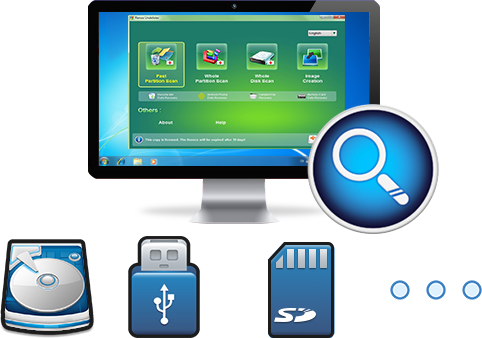
Easy to use Recover data by 3 steps;
Multiple scan modes Fast partition scan, whole partition scan and whole disk scan;
Supported file types Image, video, audio, text, email and so on;
Image creation Create a partition image to read and back up data;
Supported devices SD card, SDHC, SDXC, USB flash drive, hard disk and computer.
▽ Free Trial (Win) ▽ Free Trial (Mac)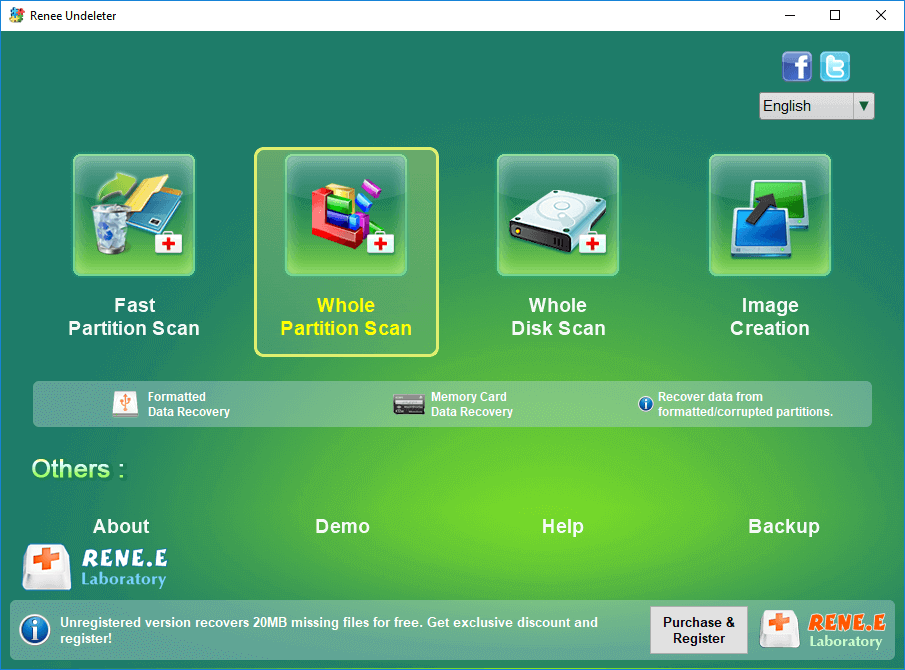
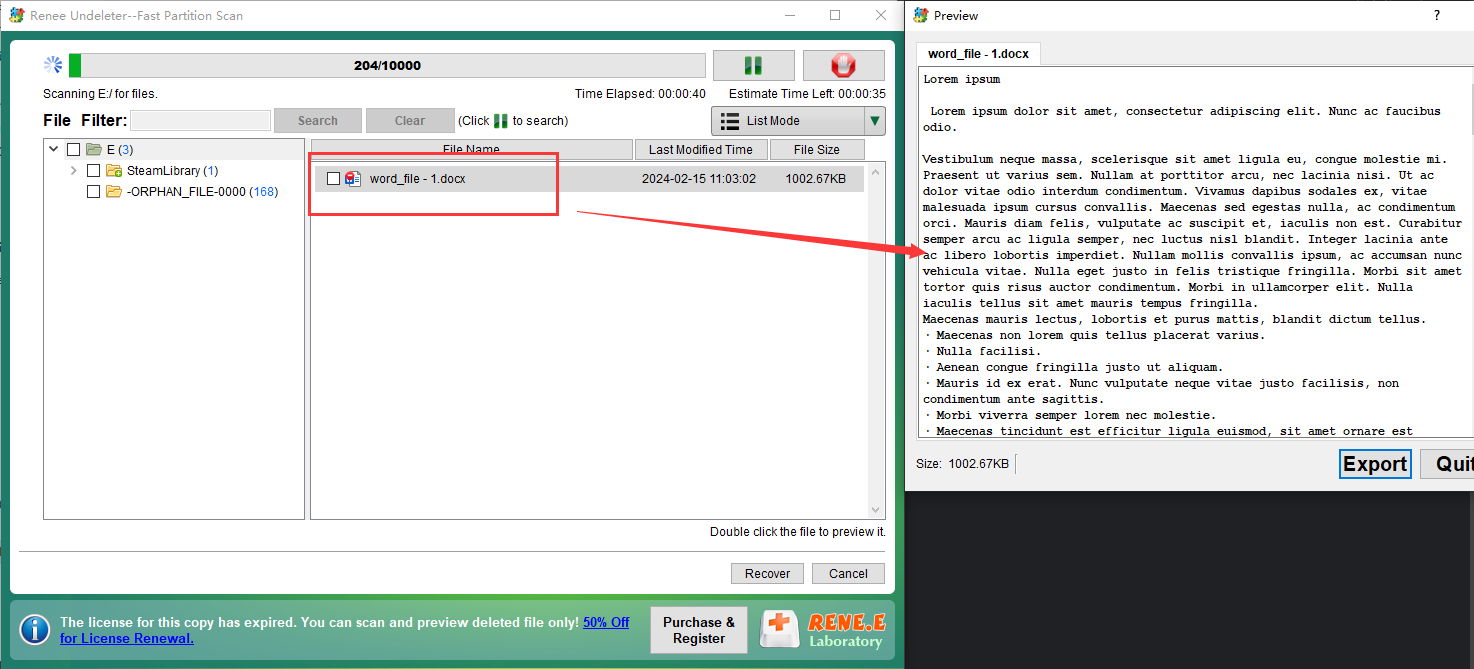
- Fast Partition Scan: Quickly retrieve files lost due to accidental deletion or emptying the recycle bin.
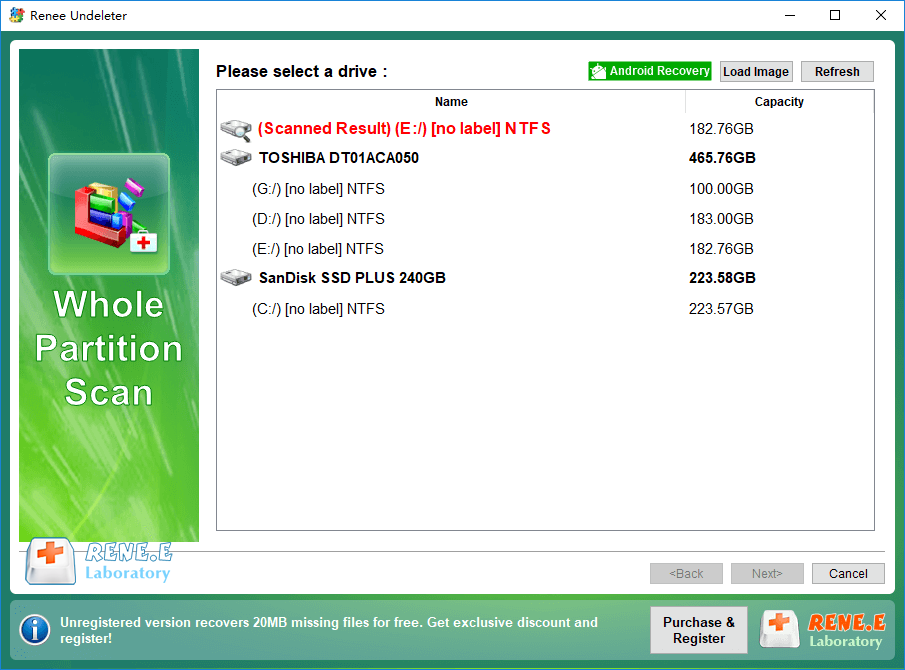
- Whole Partition Scan: Quickly recover files lost due to inaccessible or formatted partitions.
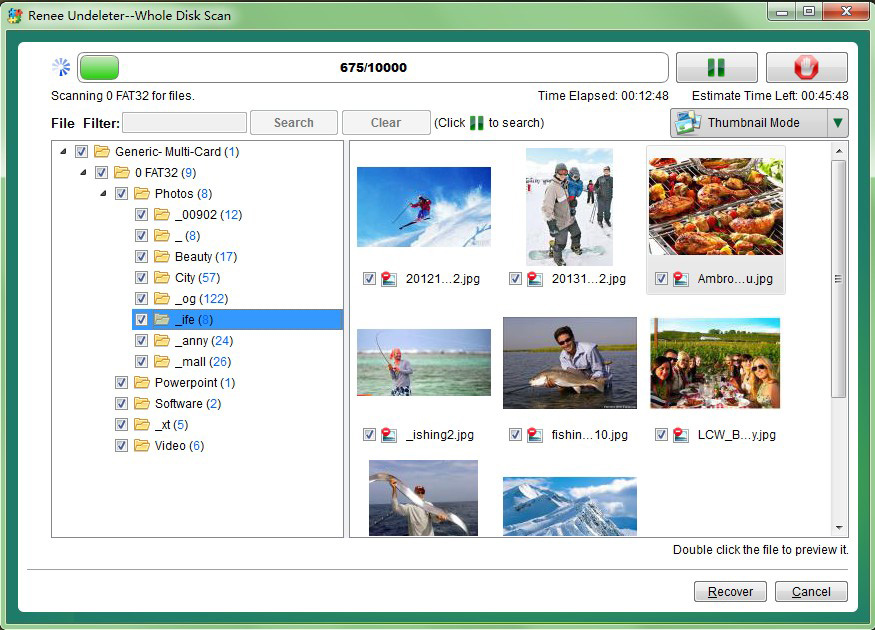
- Whole Disk Scan: Analyze and get partition information and perform a full scan of the entire partition.
- Create Mirror: Create a mirror image for a partition to back up the current partition state. See how to create mirrors and restore data from mirrors .
Relate Links :
How to recover data from the formatted external hard drive?

08-04-2024
Ashley S. Miller : Discover the secrets to effortlessly restoring your lost or deleted files with our comprehensive guide on data recovery...
How to Recover Data from Formatted SD Card

20-07-2022
John Weaver : To get more storage space in smart phones, digital camera, vehicle navigation system and MP4 player, many users...
How to Recover Data from Formatted / Corrupted Hard Disk
22-02-2022
Ashley S. Miller : Mistakenly formatted hard disk partition or the disk corrupt? How to deal with this situation? Click for an...
Quick & Reliable Data Recovery Solutions For RAW Drives
12-04-2024
John Weaver : Discover the techniques to fix a RAW hard disk and recover data from a RAW drive using expert...
Comments
0 comments
Please sign in to leave a comment.