
Summary
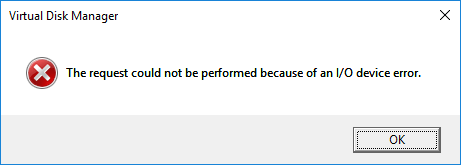
Generally, if your mobile hard drive shows not initialized, it is probably caused by MBR corruption or physical damage. At that time, you should initialize the device. However, if you fail to initialize the drive, you will see the I/O device error. In this essay, we will talk about how to fix the I/O device error.

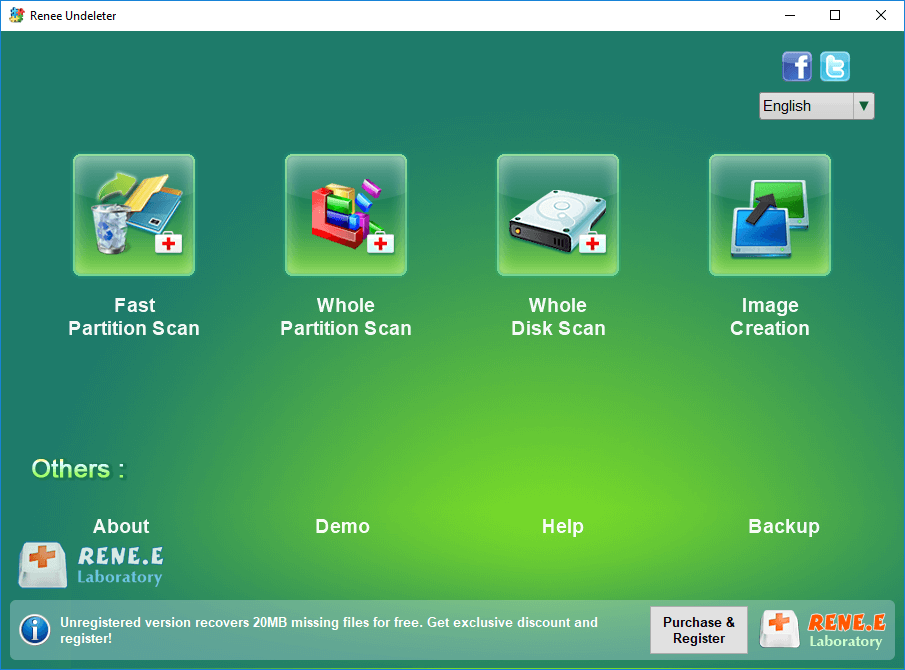
Fast partition scan: Recover the files after emptying Recycle Bin or deleted by mistake without data backup.
Whole partition scan: Scan the whole partition and list all files, especially for the formatted partition or inaccessible issue.
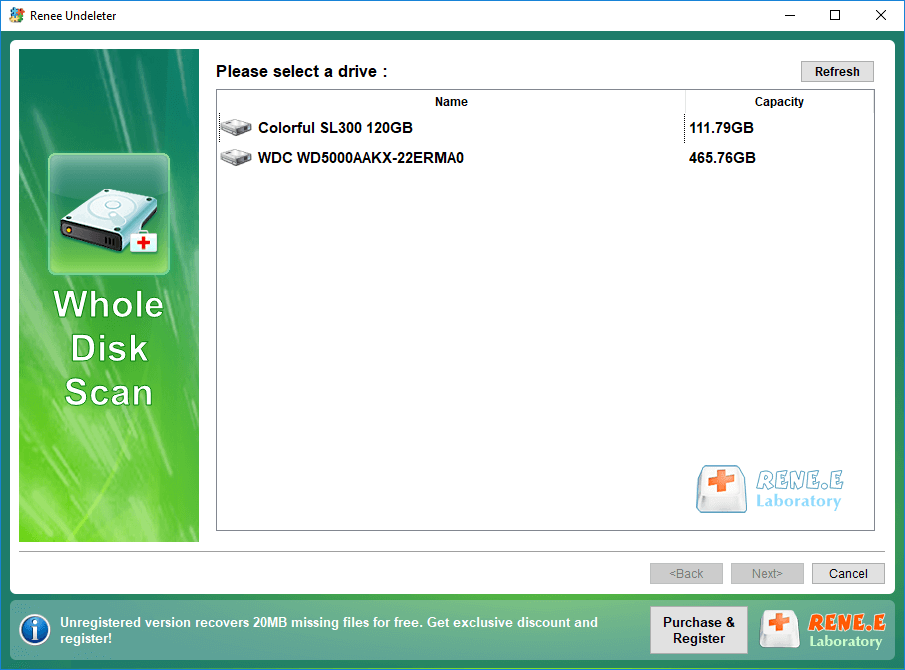
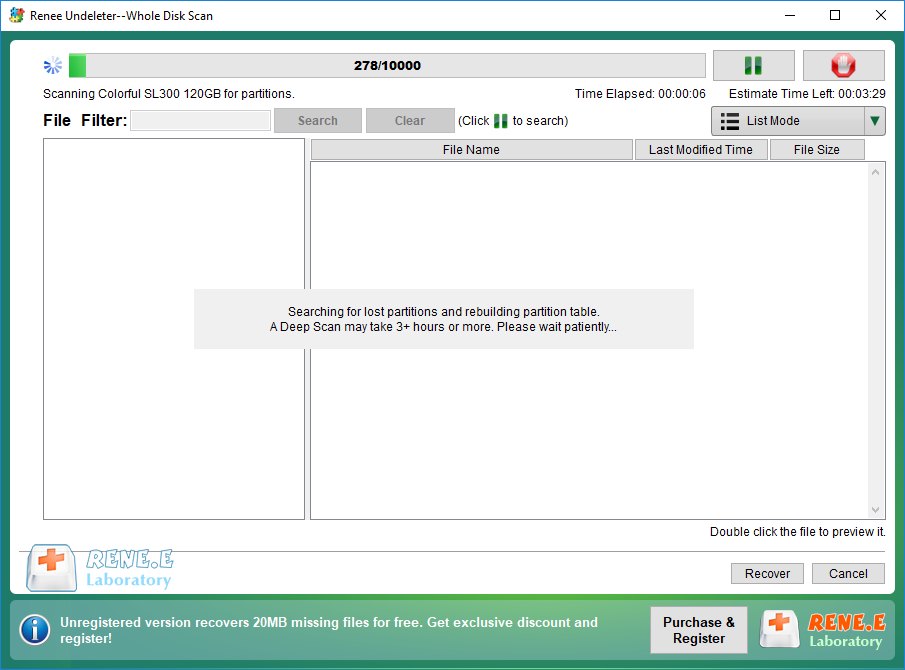
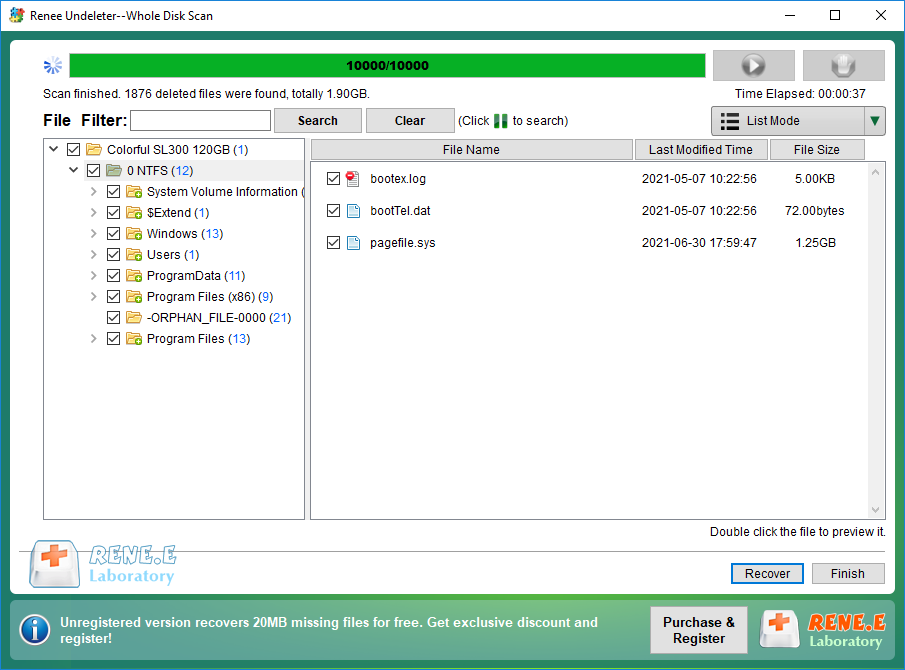
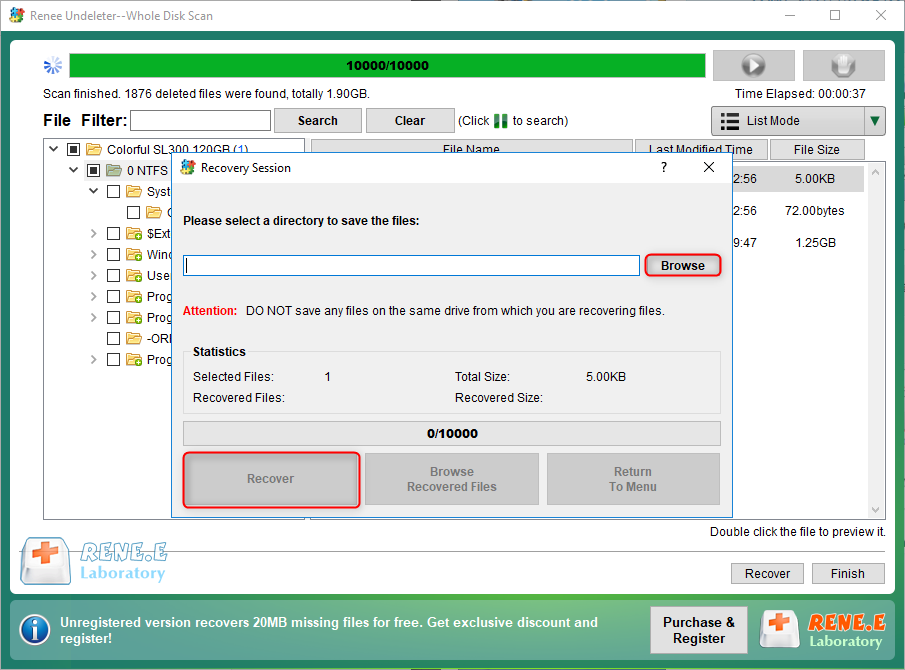
Whole disk scan: Scan entire disk to find out all partitions’ information and simulate the partition table.
Image creation: Create a partition image which can be used in case that reading partition is slow or need a backup.
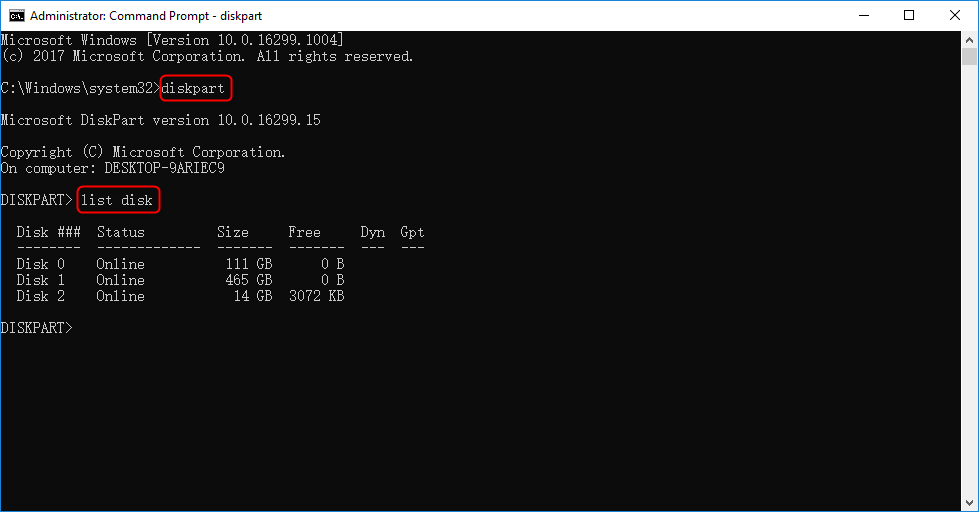


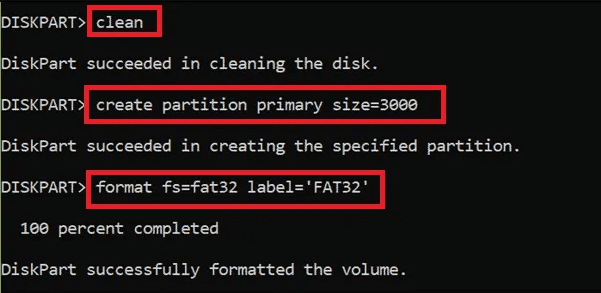
“n” means the capacity of each partition. It can be set as the maximum size of the external disk. Then, you can type “assign letter = H” to assign a letter of the partition.
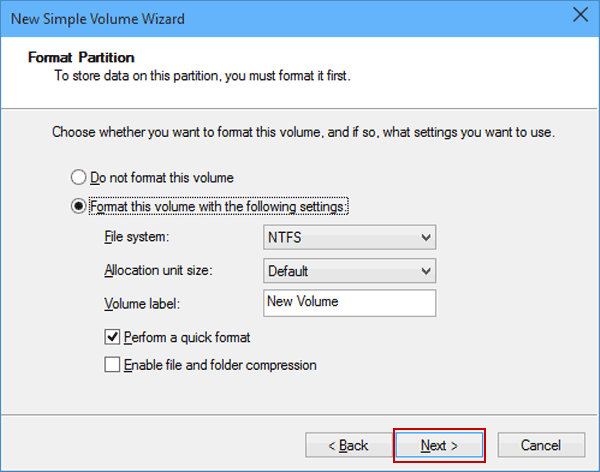
“fs=fat32″ means the file system is FAT32. Of course, you can format the disk to be exFAT or NTFS, namely “ fs=exFAT ” or “ fs=NTFS ”. Click here to learn about the file system types. “label” means the label of the partition, such as “system”, “local disk” and “FAT32” in this case.
Relate Links :
How to Fix Overheating Hard Drive?

14-07-2021
Jennifer Thatcher : Hard drive is the important hard drive in the computer. When the computer gets started, it is common...
How If Unknown USB Device Appears?
06-07-2021
Jennifer Thatcher : USB flash drive is the portable storage device saving the important content. Of course, it is easy to...
Comments
0 comments
Please sign in to leave a comment.