

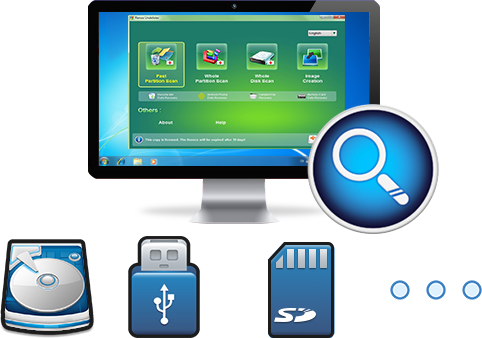
Easy to use Recover data by 3 steps;
Multiple scan modes Fast partition scan, whole partition scan and whole disk scan;
Supported file types Image, video, audio, text, email and so on;
Image creation Create a partition image to read and back up data;
Supported devices SD card, SDHC, SDXC, USB flash drive, hard disk and computer.
▽ Free Trial (Win) ▽ Free Trial (Win)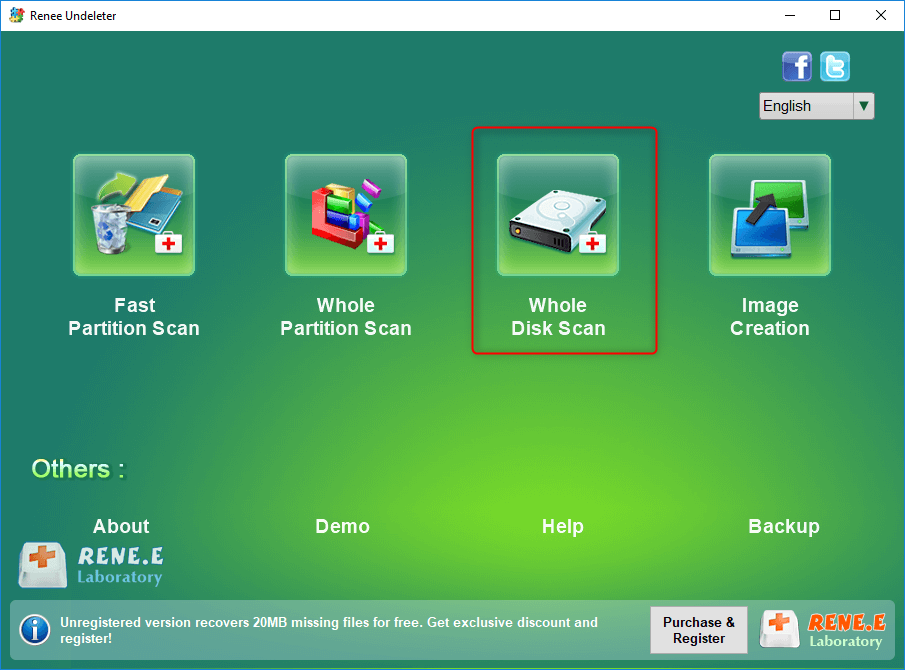
- Fast Partition Scan – Quickly retrieve files lost due to accidental deletion or emptying the recycle bin.
- Whole Partition Scan – Recover files from inaccessible or formatted partitions.
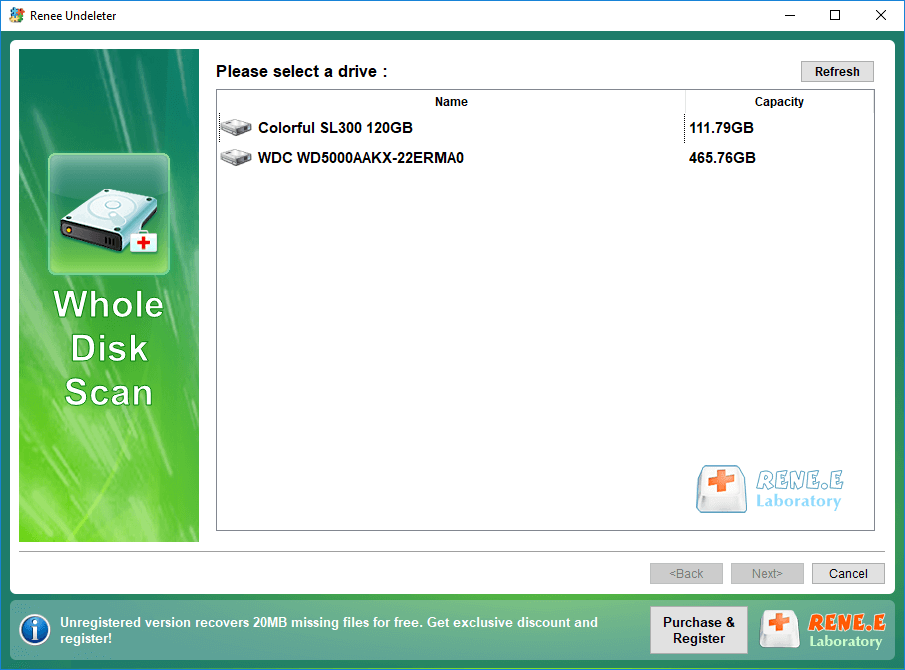
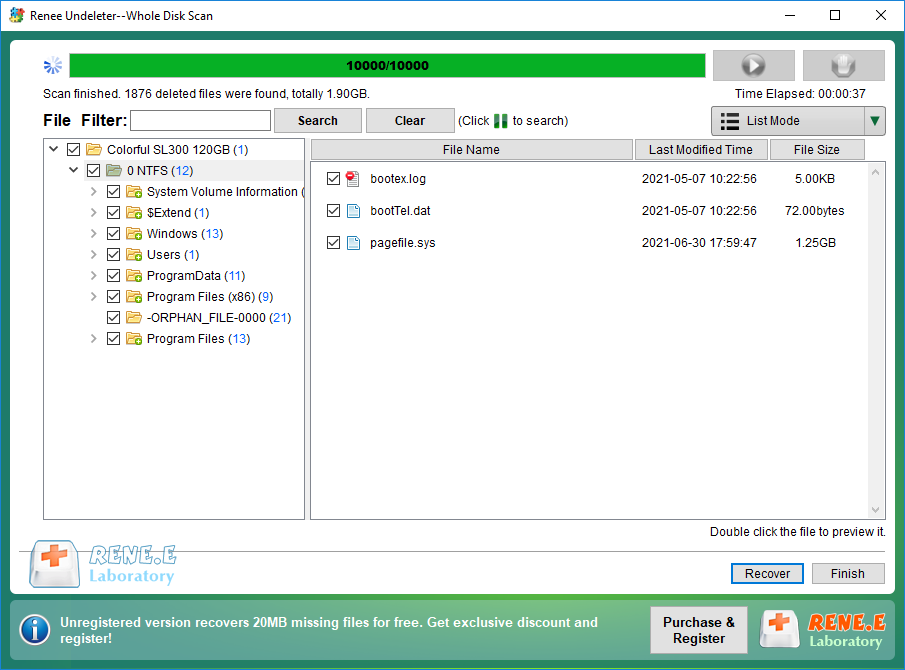
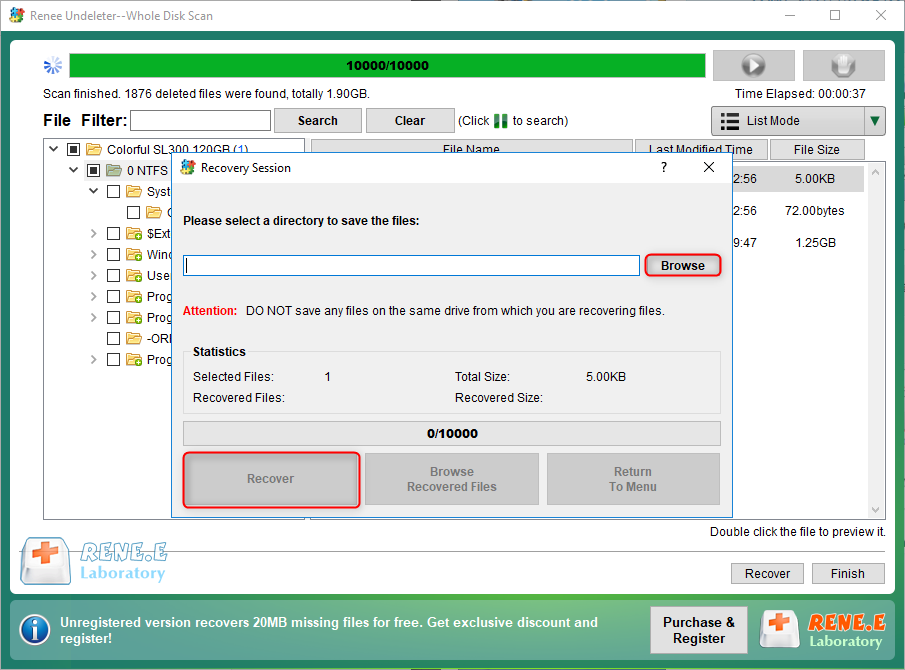
- Whole Disk Scan – Analyze partition information and fully scan the entire disk.
- Image Creation – Create an image of a partition to back up its current state.
Relate Links :
Fix Maxtor External Hard Drive Not Recognized Issue

12-01-2024
John Weaver : Learn how to fix maxtor external hard drive not recognized by your computer and recover your data with...
Recover Data from a Laptop Hard Drive that Won't Boot

11-06-2024
Ashley S. Miller : Learn two proven techniques to quickly recover data from laptop hard drive and protect your valuable information.
Hard Drive Not Showing Files - Quick Fix

11-06-2024
Amanda J. Brook : Identify causes of hard drive not showing files, master data recovery, and repair faulty hard disks. Enhance your...
Toshiba Hard Drive Recovery: Expert Tips
18-01-2024
Ashley S. Miller : Learn how to quickly recover data from your Toshiba hard disk and discover practical data recovery software solutions....
Comments
0 comments
Please sign in to leave a comment.