
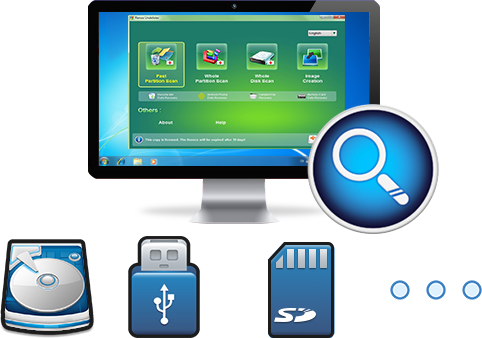
Easy to use Recover data by 3 steps;
Multiple scan modes Fast partition scan, whole partition scan and whole disk scan;
Supported file types Image, video, audio, text, email and so on;
Image creation Create a partition image to read and back up data;
Supported devices SD card, SDHC, SDXC, USB flash drive, hard disk and computer.
▽ Free Trial (Win) ▽ Free Trial (Win)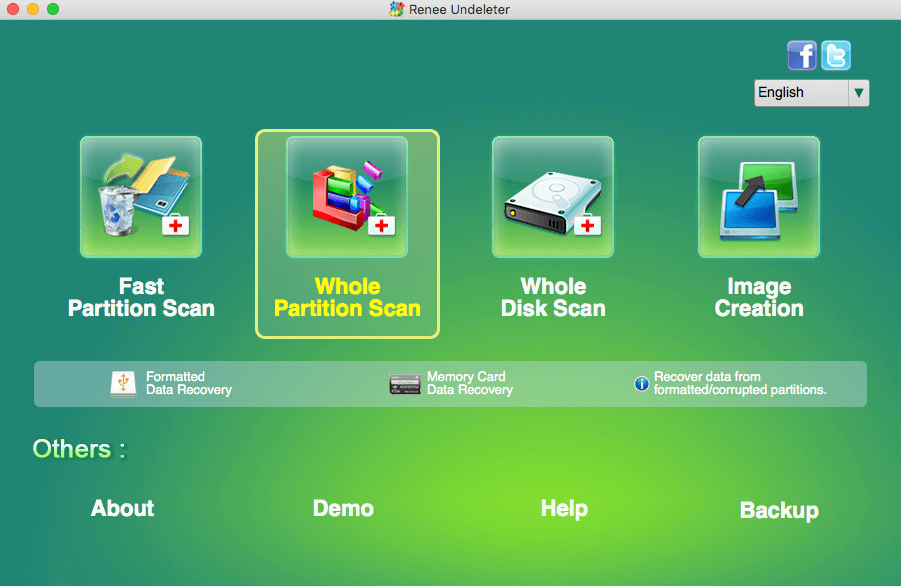
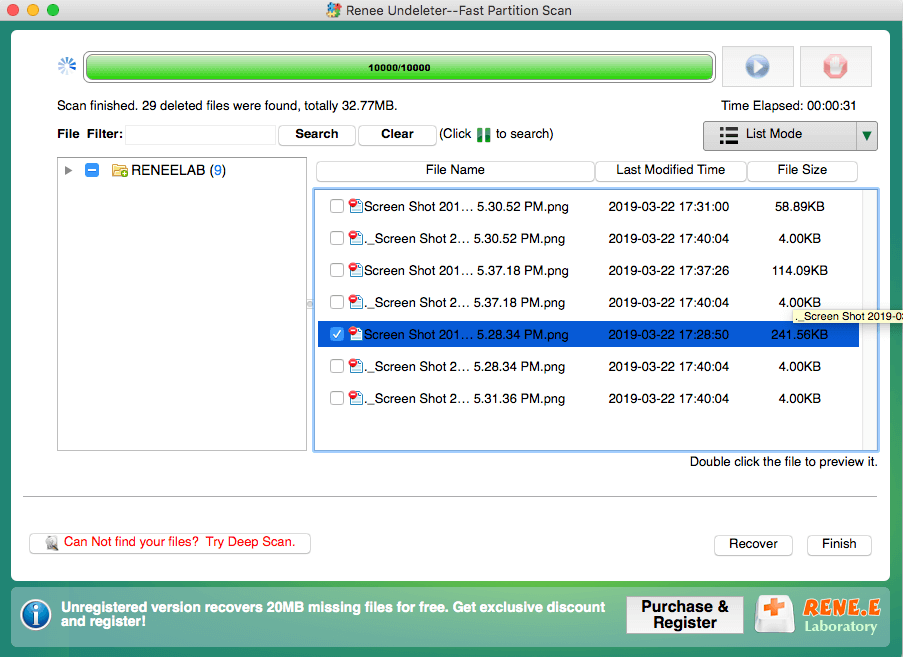
- Fast Partition Scan – Quickly retrieve files lost due to accidental deletion or emptying the recycle bin.
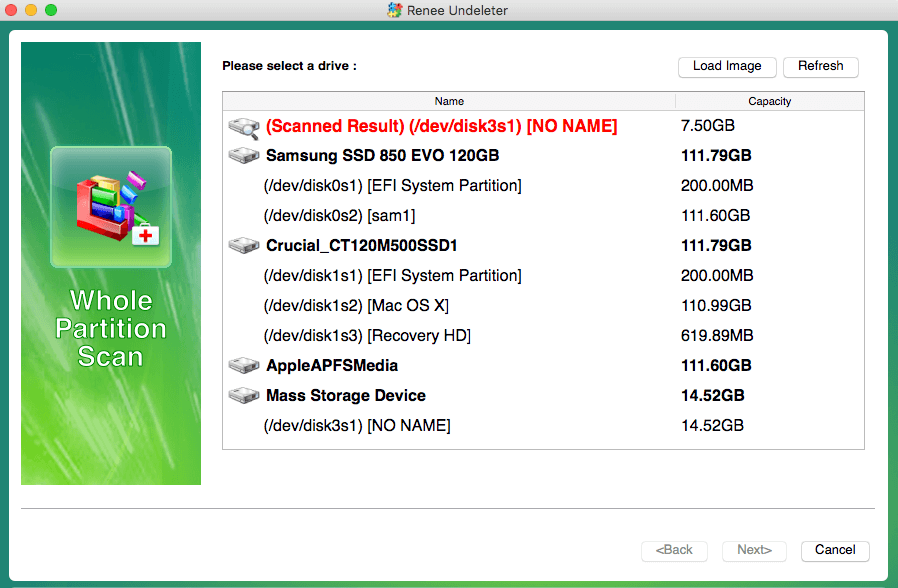
- Whole Partition Scan – Recover files from inaccessible or formatted partitions.
- Whole Disk Scan – Analyze partition information and fully scan the entire disk.
- Image Creation – Create an image of a partition to back up its current state.
Relate Links :
Small Business File Encryption: Keep Your Data Safe

01-02-2024
Amanda J. Brook : Protect your enterprise's core data by encrypting important files and folders. This method is the most direct way...
How to fix file system error 2147219196 without harming data?
12-01-2024
Amanda J. Brook : Some users have encountered a file system error 2147219196 when using a Windows computer, how to solve this...
RAW File System Recovery and Fix without Data Lost

25-02-2019
Ashley S. Miller : Generally, users may encounter different problem from HDD after using for a long time. Here, we will discuss...
How to Recover Files/Data from Corrupted Hard Drive
05-01-2021
Amanda J. Brook : Hard drive gets corrupted, damaged and failed to work? When you come into this situation, please do not...
Recover Deleted Mac Files: Easy MacOS Hard Drive Recovery Guide
Comments
0 comments
Please sign in to leave a comment.