Table of contents

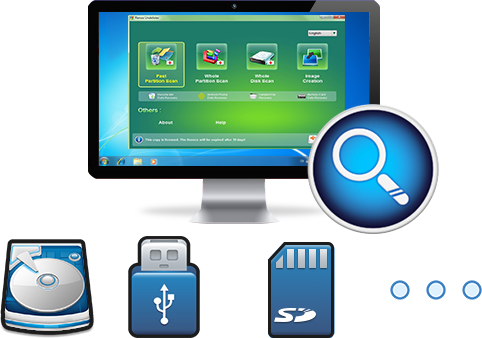
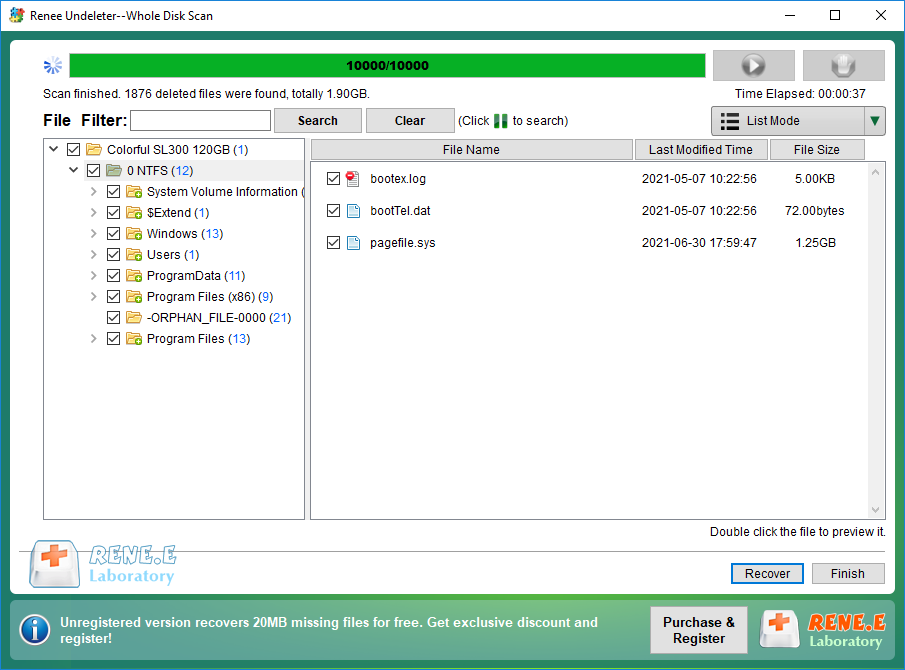
Easy to use Recover data by 3 steps;
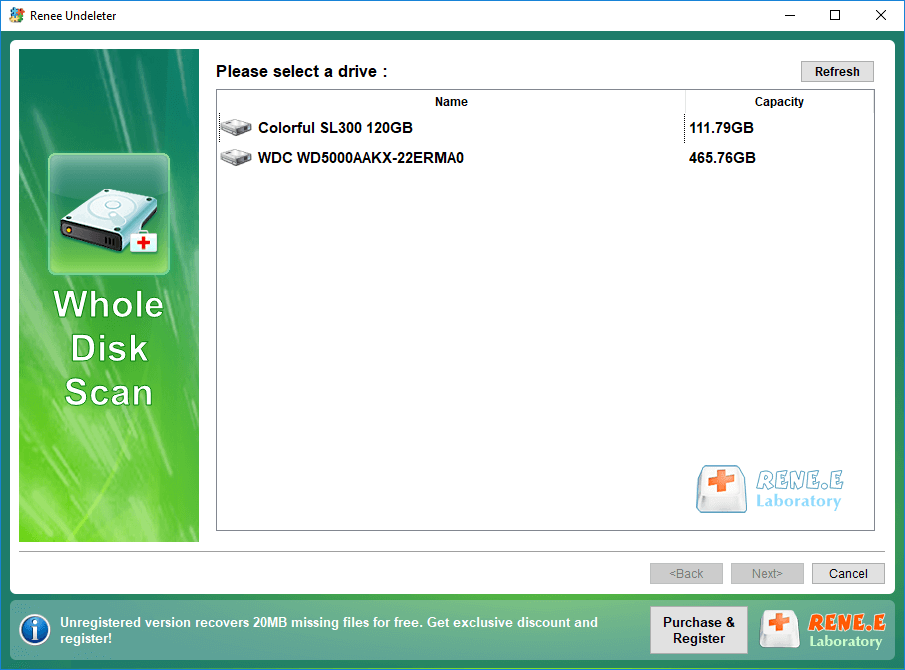
Multiple scan modes Fast partition scan, whole partition scan and whole disk scan;
Supported file types Image, video, audio, text, email and so on;
Image creation Create a partition image to read and back up data;
Supported devices SD card, SDHC, SDXC, USB flash drive, hard disk and computer.
▽FreeTrial(Win) ▽FreeTrial(Mac)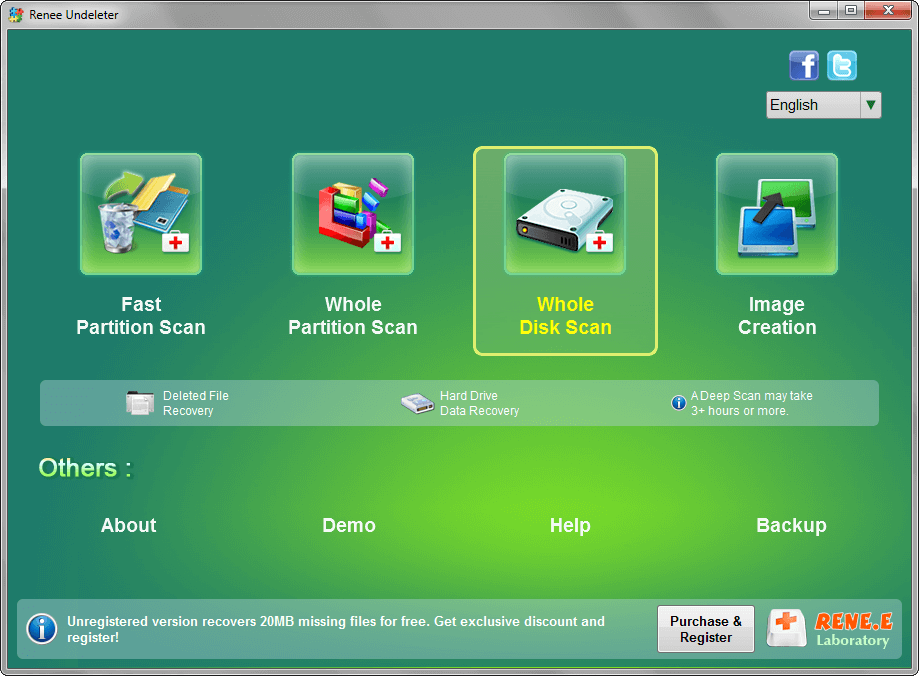


Relate Links :
Fixing the External Hard Drive Freezes Issue: Quick Solutions

18-12-2023
Ashley S. Miller : Learn how to fix the issue "external hard drive freezes" when accessing them through the computer file explorer....
Top Data Recovery Software for Hard Drives

07-06-2024
Jennifer Thatcher : Discover top hard drive data recovery software tailored to various needs, preventing data loss and restoring deleted files...
Solving Toshiba External Hard Drive Not Showing Up Issues

07-06-2024
John Weaver : Find solutions for the "Toshiba external hard drive not showing up" issue and choose from various capacities to...
Fixing the WD External Hard Drive Not Recognized Issue

07-06-2024
Amanda J. Brook : Learn how to solve the issue wd external hard drive not recognized by your computer. This article provides...
Comments
0 comments
Please sign in to leave a comment.