

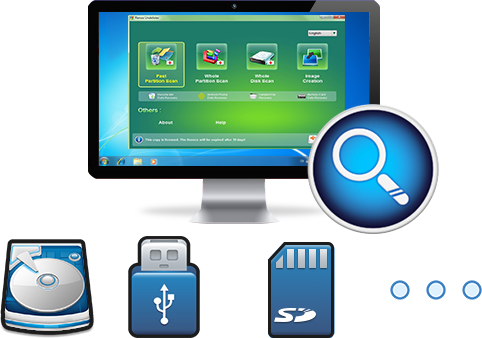
Easy to use Recover data by 3 steps;
Multiple scan modes Fast partition scan, whole partition scan and whole disk scan;
Supported file types Image, video, audio, text, email and so on;
Image creation Create a partition image to read and back up data;
Supported devices SD card, SDHC, SDXC, USB flash drive, hard disk and computer.
▽ Free Trial (Win) ▽ Free Trial (Win)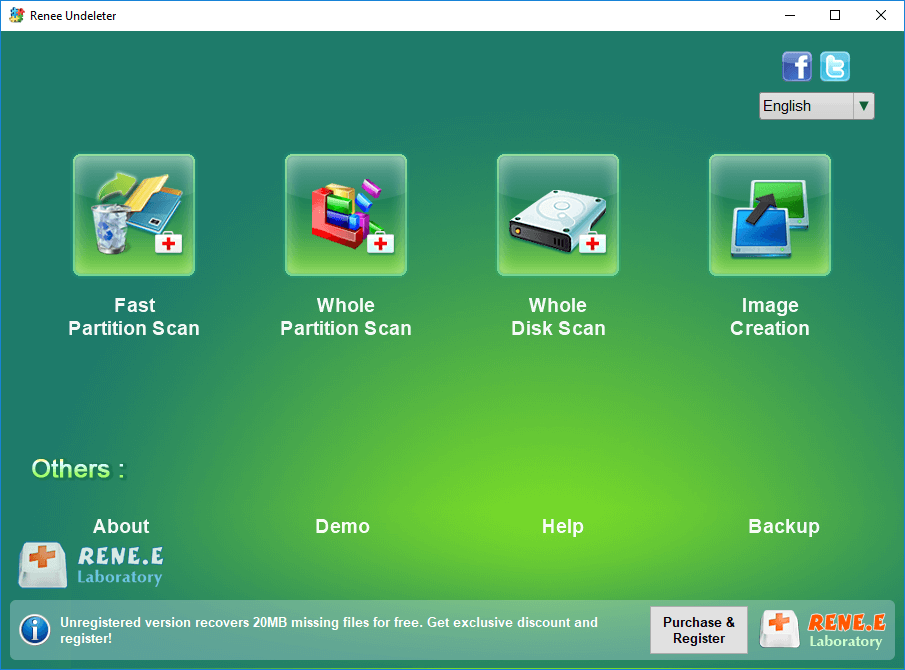
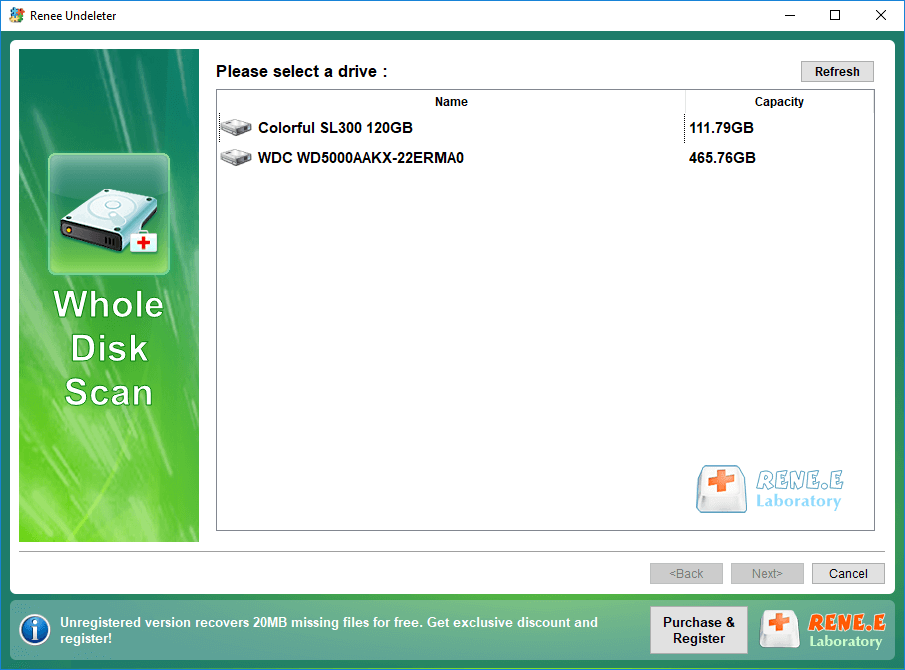
The “Select the partition you need to scan” window will pop up, and you can select a specific partition to scan. If not selected, all partitions will be scanned automatically, and more files can be found, but it will take longer.
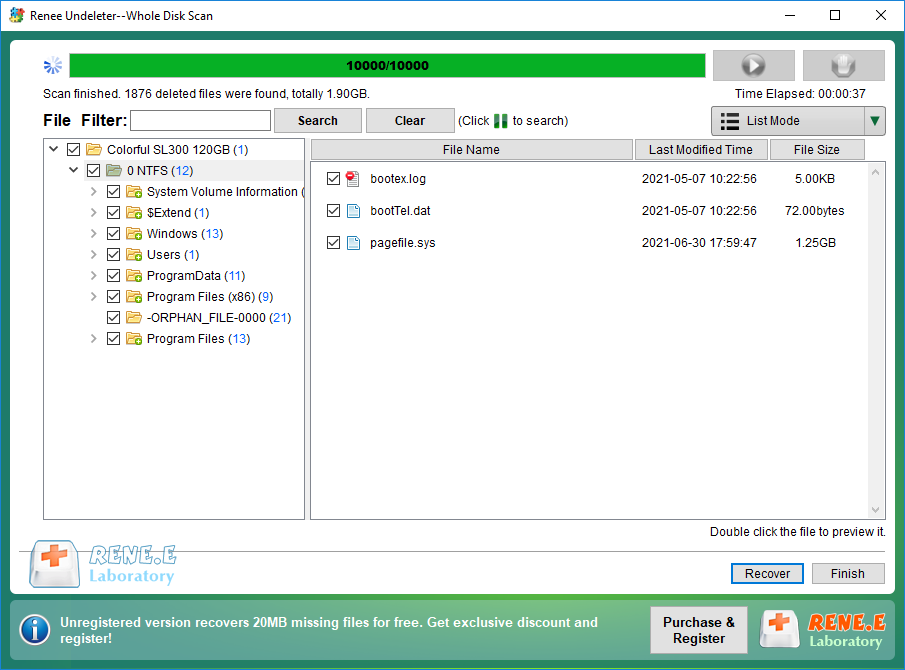
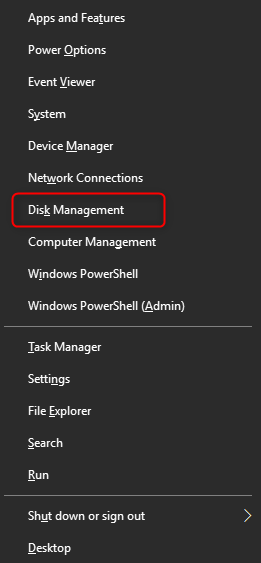
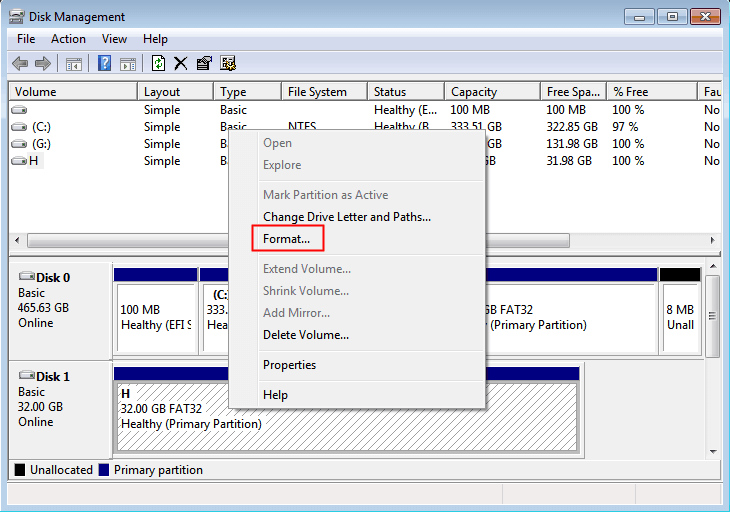
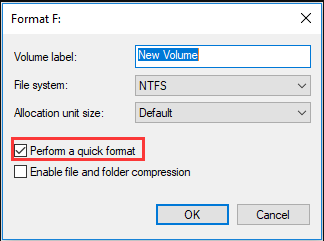
If the external hard disk is used on the Windows system, it is recommended to choose the NTFS file system, and you can also check: the characteristics and differences of FAT32, NTFS, and exFAT .
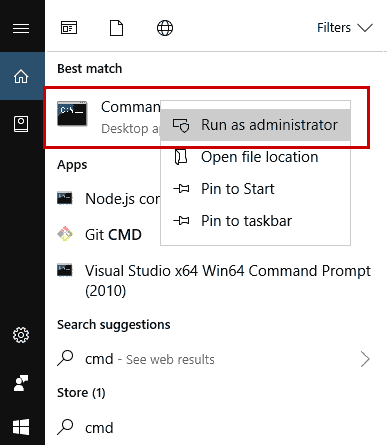
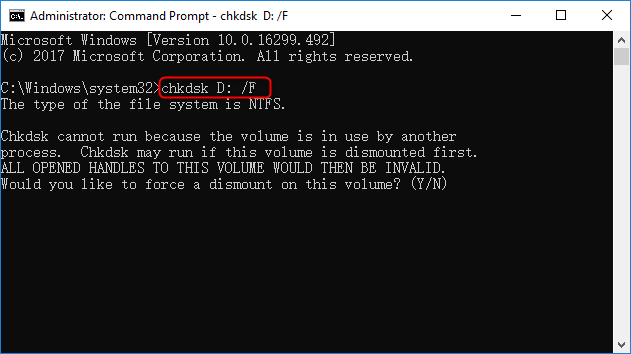
The repair process will take some time, depending on the severity of the damage and the size of the storage. After the repair is complete, you can exit the Command Prompt window.
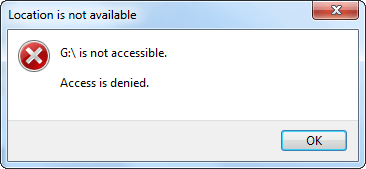
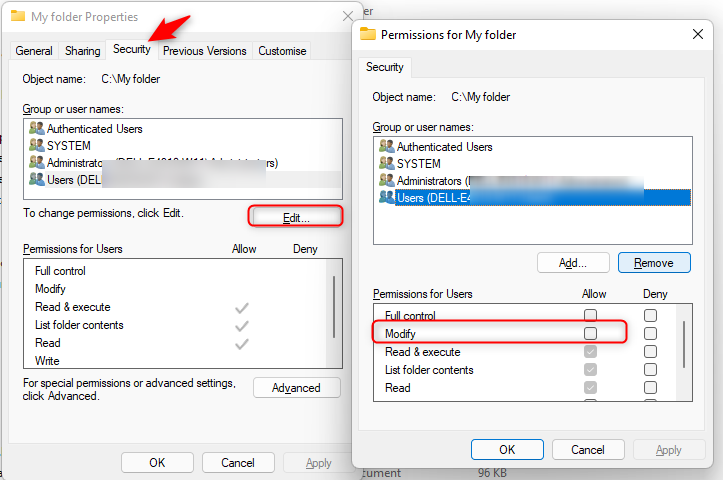
Then check all options (including full control, modification, read and execute, read, write, etc) under the “Permissions for Users” – “Allow” column. Finally, Click (OK).
If you still cannot access the external hard disk after this step, you can try to change the drive letter of the external hard disk in Disk Management .
Relate Links :
How To Recover Data from Encrypted Hard Drive?

08-05-2024
John Weaver : Disk encryption protects data by requiring a key for access; specialized software can recover data from encrypted hard...
Fix: Hard Drive Shows 0 Bytes in Windows 10/8/7

26-12-2023
Amanda J. Brook : Learn how to fix the "hard drive shows 0 bytes" problem in Windows 10/8/7 with simple and effective...
How To Fix Bad Sectors on Hard Drive without Data Loss?

12-10-2023
Ashley S. Miller : Learn how to repair hard disk bad sectors without losing data caused by factors like aging, insufficient memory,...
How To Recover Data from Bitlocker Encrypted Drive: Simplified Guide
05-02-2024
John Weaver : Learn how to recover data from a BitLocker encrypted hard disk to prevent unauthorized access and data loss...
Comments
0 comments
Please sign in to leave a comment.