

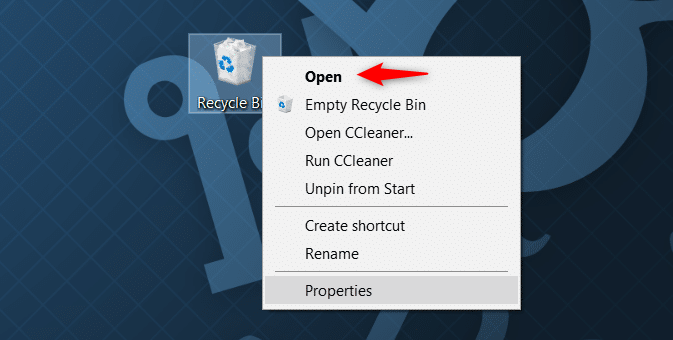
Shit+Delete
, formatted the SSD, or deleted files from an external solid-state drive, this method will not successfully restore them. Please try the following methods to recover the lost data.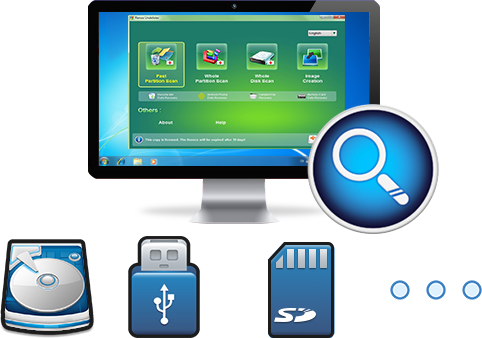
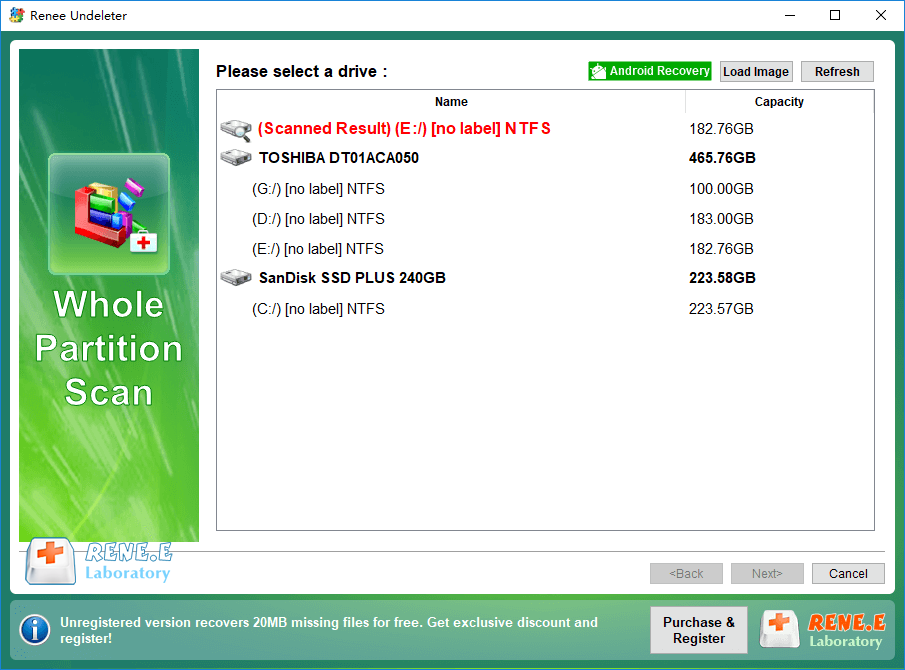
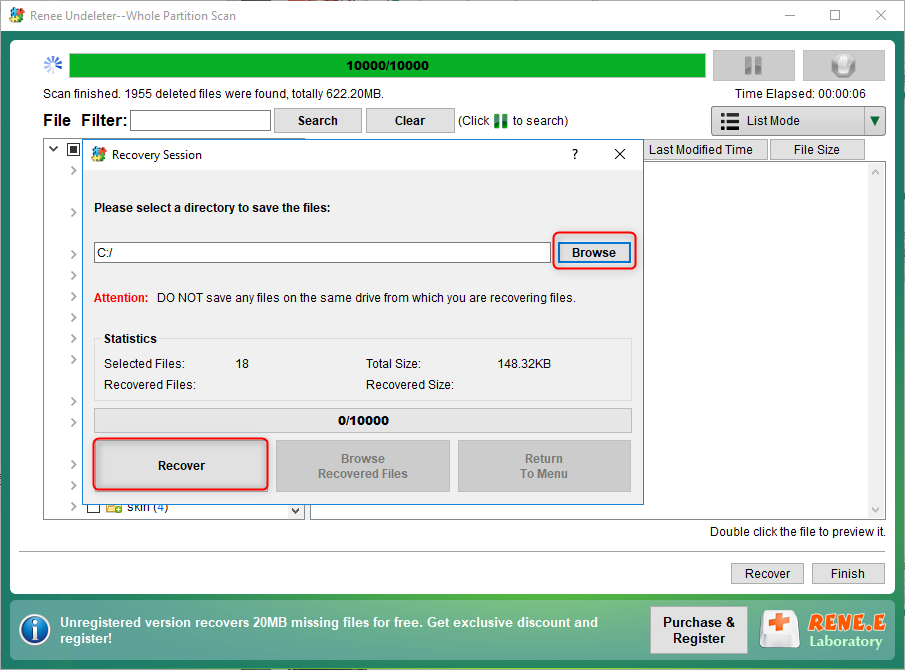
Easy to use Recover data by 3 steps;
Multiple scan modes Fast partition scan, whole partition scan and whole disk scan;
Supported file types Image, video, audio, text, email and so on;
Image creation Create a partition image to read and back up data;
Supported devices SD card, SDHC, SDXC, USB flash drive, hard disk and computer.
▽ Free Trial (Win) ▽ Free Trial (Win)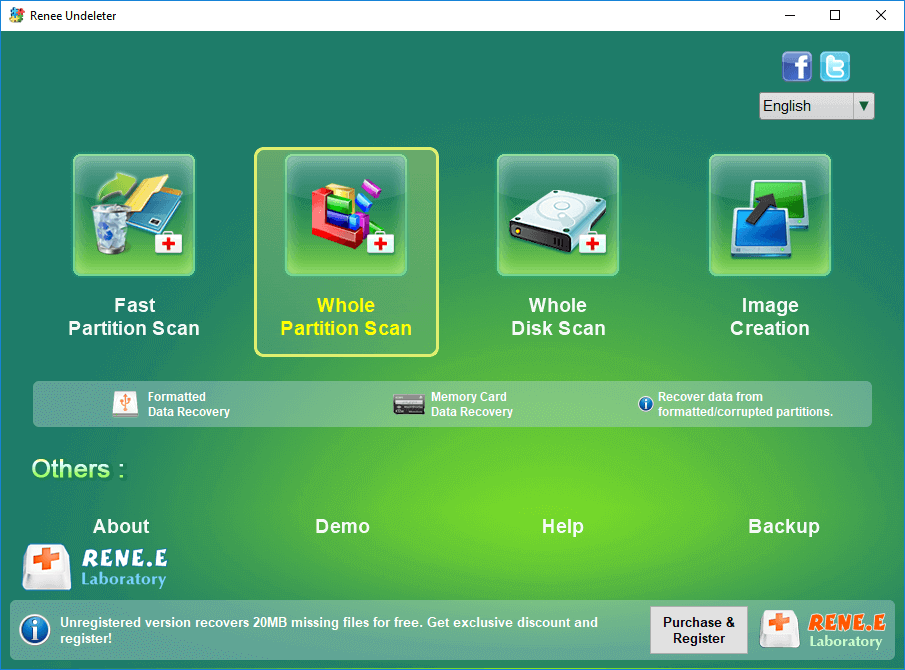
Relate Links :
External Hard Drive Is Not Mounting on a Mac: How to Fix and Recover Data

20-06-2024
John Weaver : Learn how to fix the issue of external hard drive not mounting mac and prevent potential data loss...
Fixing Hard Drive Access Denied Issue and Recovering Data

17-01-2024
Amanda J. Brook : Learn why your computer's hard disk may be denying access and discover effective solutions in this authoritative article.
Recover Data After Accidentally Erasing Mac Hard Drive in Disk Utility

16-06-2024
Ashley S. Miller : Accidentally erased hard drive on mac? Recover Mac hard drive data efficiently using Disk Utility. Discover a simple,...
Clone a Hard Drive with Bad Sectors Like a Pro
11-10-2023
John Weaver : Learn how to clone a hard disk with bad sectors to prevent data loss. Safeguard your information by...
Comments
0 comments
Please sign in to leave a comment.