If important files are found to be lost after formatting the U disk, it is recommended not to save new data to the U disk, and then use data recovery software to scan and repair the U disk immediately. The following will introduce a very practical data recovery software –
Renee Undeleter , which has multiple scanning modes and supports Windows and Mac systems.
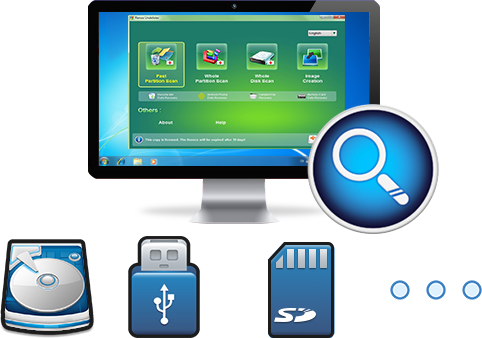
Rene.E Laboratory ™ data recovery software It is a software specially used to restore system data files. When you accidentally delete important files, empty the recycle bin, or format the disk/storage, you can use this tool to retrieve the lost data. The software covers four functional modules, including file recovery, format recovery, partition recovery and image creation, which can help you solve all data loss problems in an all-round way.
As a professional data recovery software, Renee Undeleter not only has comprehensive functions, but also has a very simple operation process. The specific operation steps are as follows:
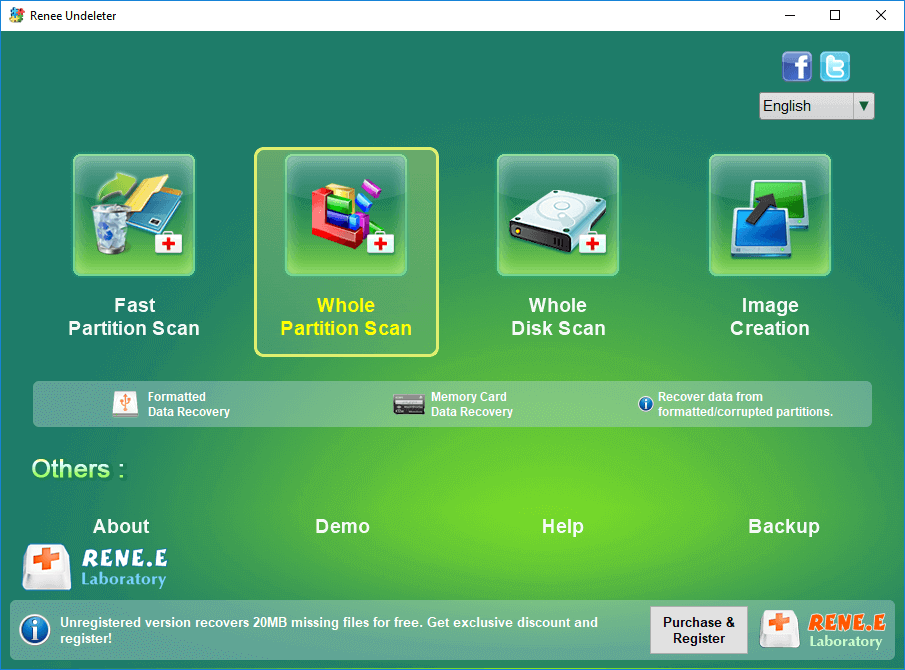
Step 1: Connect the U disk to the computer, download and install Renee Undeleter on the computer, and run Renee Undeleter. Select the (Format Recovery) option on the main interface.
Notice : Do not install Renee Undeleter in the USB flash drive where the data is lost to avoid data overwriting.
Data recovery function introduction:
File Recovery: Quickly retrieve files lost due to accidental deletion or emptying the recycle bin.
Format Recovery: Quickly recover files lost due to inaccessible or formatted partitions.
Partition Recovery: It can analyze and obtain partition information, and fully scan the entire partition.
Create mirror image: You can create a mirror image for a partition to back up the current partition state, and then you can restore data from the mirror file.
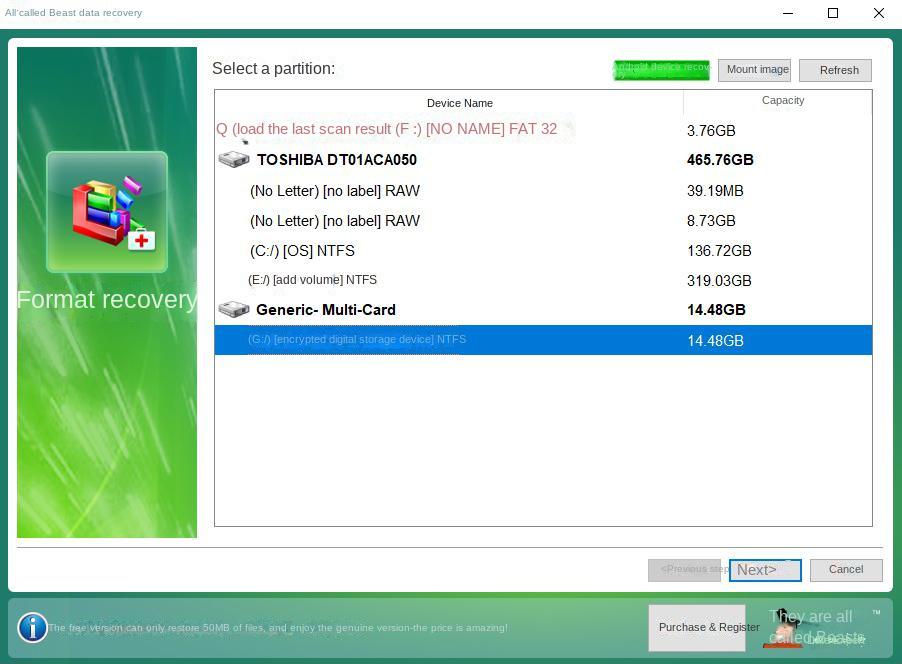
Step 2: Next select the U disk partition. After the selection is complete, click (Next).
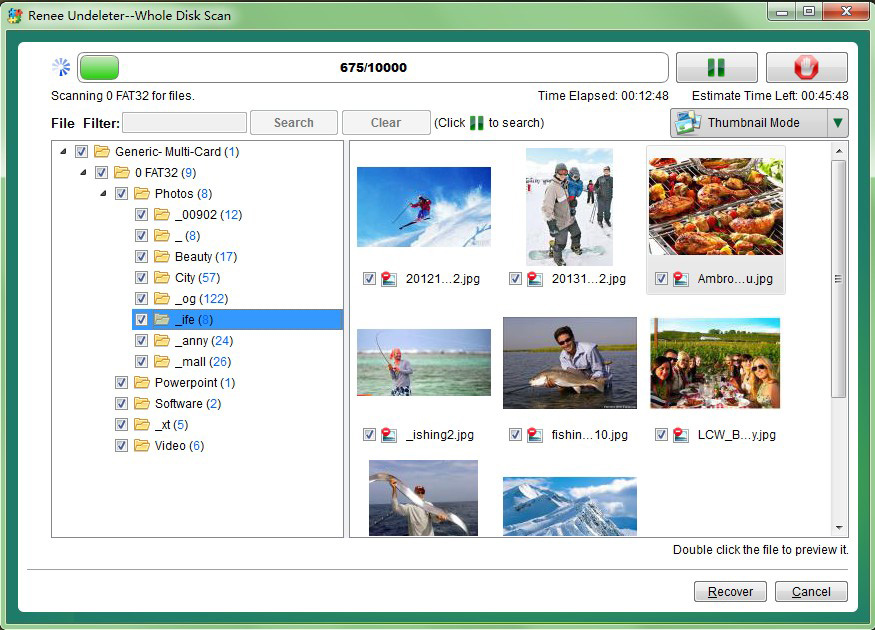
Step 3: Then wait for the scan, the scan time will depend on the size of the U disk. During the scanning process, you can double-click to preview the file. If you have found the file you need to recover, you can check it and click the (Recover) button. At this time, the scan will be terminated to start recovering the file. You can also wait for the scan to finish, check the files to be recovered from the scan results, and then click the (Recover) button.
Notice: It is recommended to save the recovered files in other partitions instead of the original U disk to avoid data overwriting.




Comments
0 comments
Please sign in to leave a comment.