
Easy to use Recover data by 3 steps;
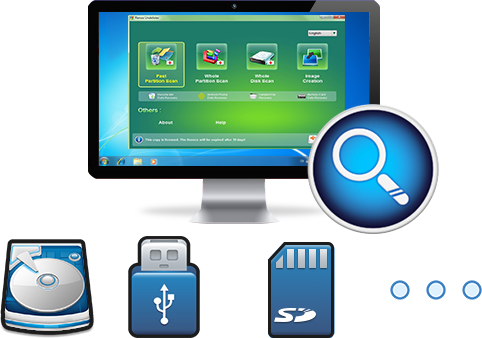
Multiple scan modes Fast partition scan, whole partition scan and whole disk scan;
Supported file types Image, video, audio, text, email and so on;
Image creation Create a partition image to read and back up data;
Supported devices SD card, SDHC, SDXC, USB flash drive, hard disk and computer.
▽ Free Trial (Win) ▽ Free Trial (Mac)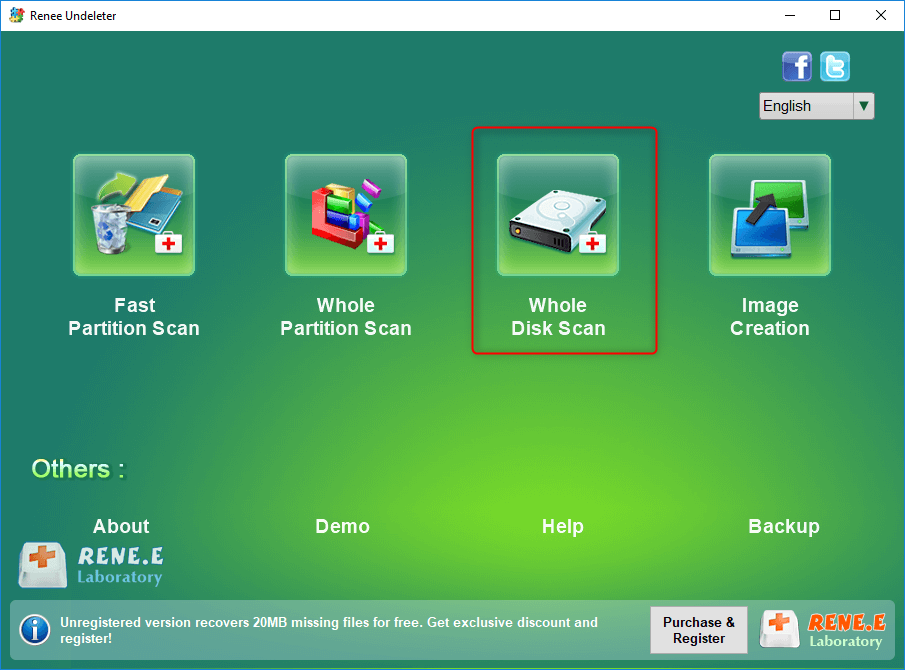
- Fast Partition Scan – Quickly retrieve files lost due to accidental deletion or emptying the recycle bin.
- Whole Partition Scan – Quickly recover files lost due to inaccessible or formatted partitions.
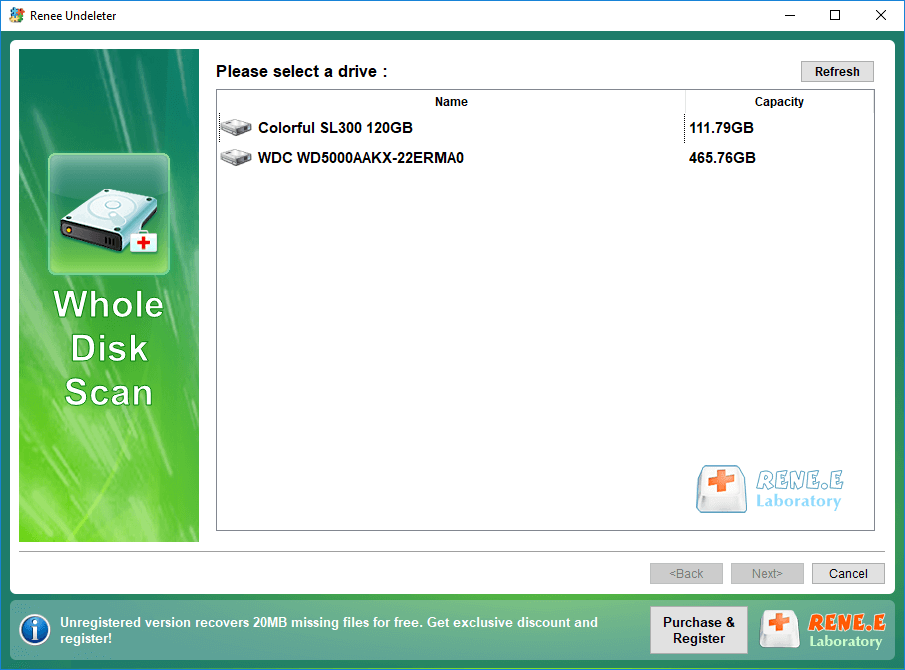
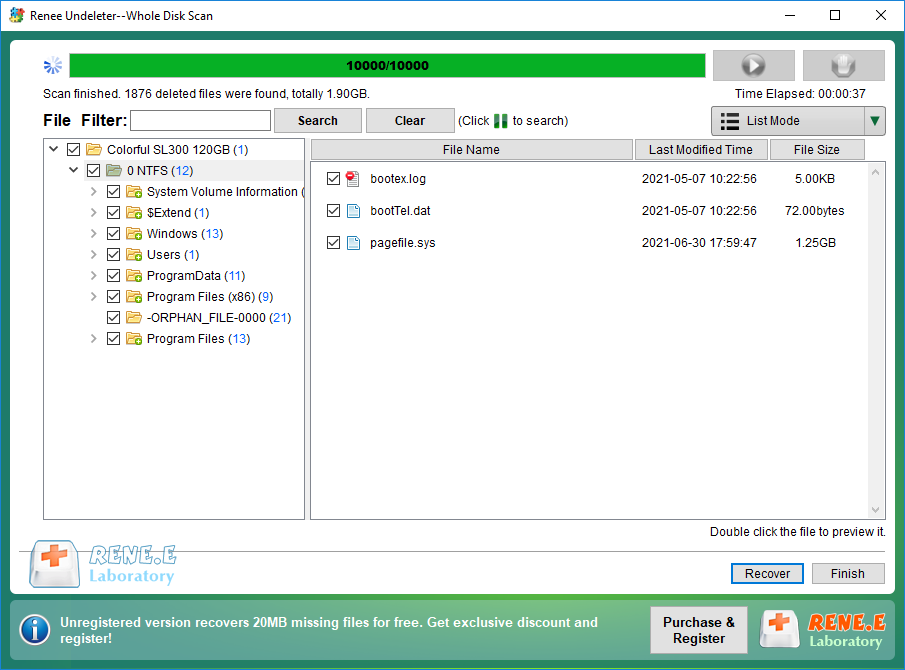
- Whole Disk Scan – Analyze and get partition information and perform a full scan of the entire partition.
- Image Creation – You can create a mirror image for a partition to back up the current partition state.
Relate Links :
Fix USB Not Showing up in Windows 10: Expert Solutions

09-12-2023
Amanda J. Brook : Understand the reasons behind your USB disk not being recognized in Windows 10 and find efficient ways to...
Dell Backup and Recovery: A Simple Guide for Windows 10

05-06-2024
Jennifer Thatcher : Learn the specific steps to back up important files on a Dell computer using Dell Backup and Recovery...
Empower Yourself with Hiren Boot CD : Reset Windows Passwords Without Data Loss

31-08-2023
John Weaver : Learn how to reset passwords without data loss using Hiren's Boot CD, including an alternative method using Renee...
File too Large to Move to USB: Copy Large Files to USB Drive Effortlessly

29-01-2024
Ashley S. Miller : Learn why you can't copy a large file to your USB drive and find solutions to overcome the...
Comments
0 comments
Please sign in to leave a comment.