

For detailed information on SD card types, speed classes, flash memory chips, and lifespan, please click here to learn more.

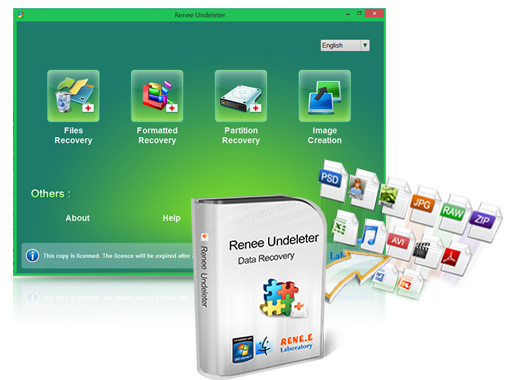
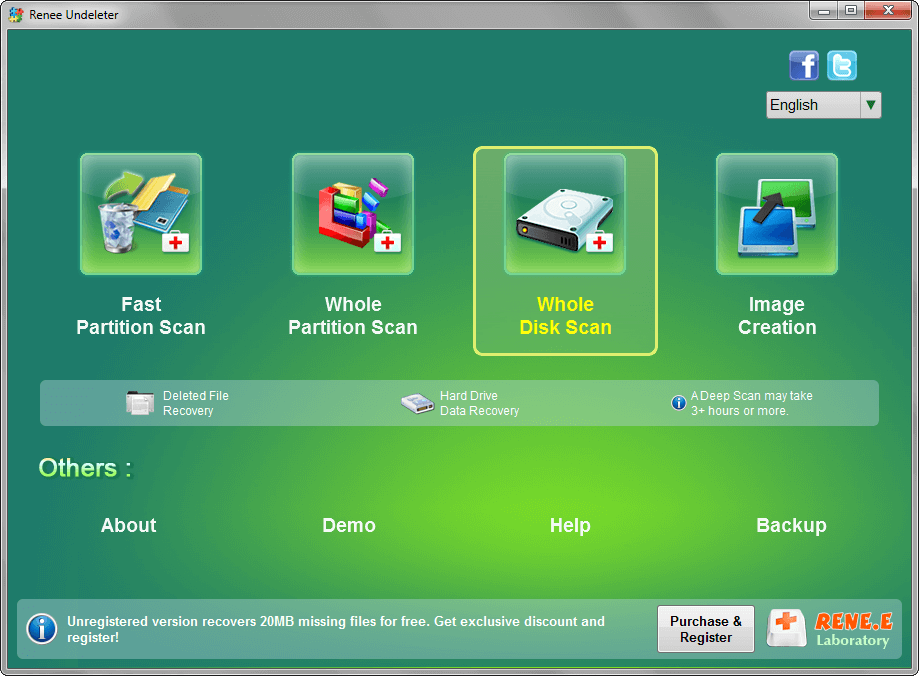
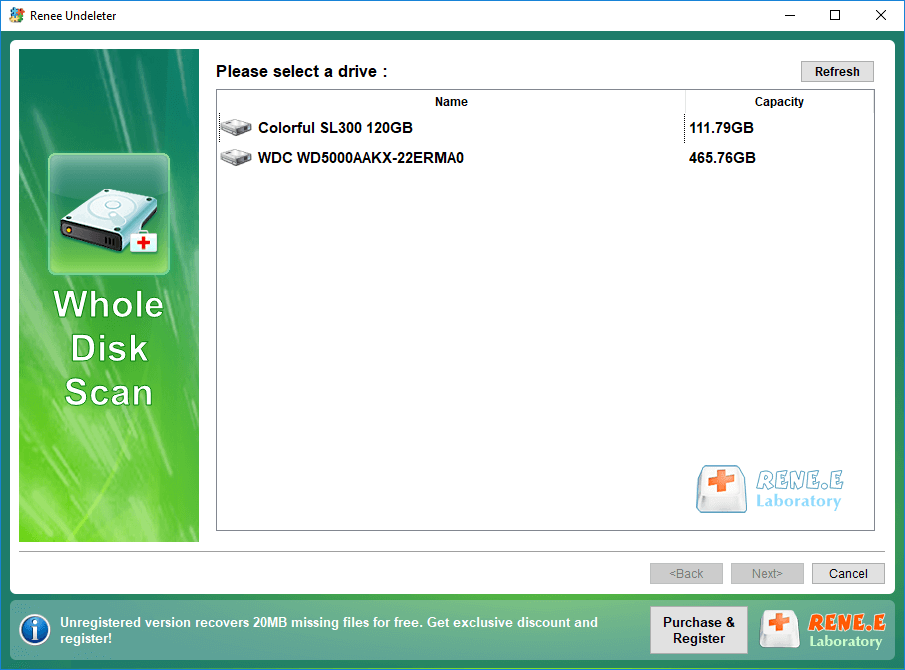
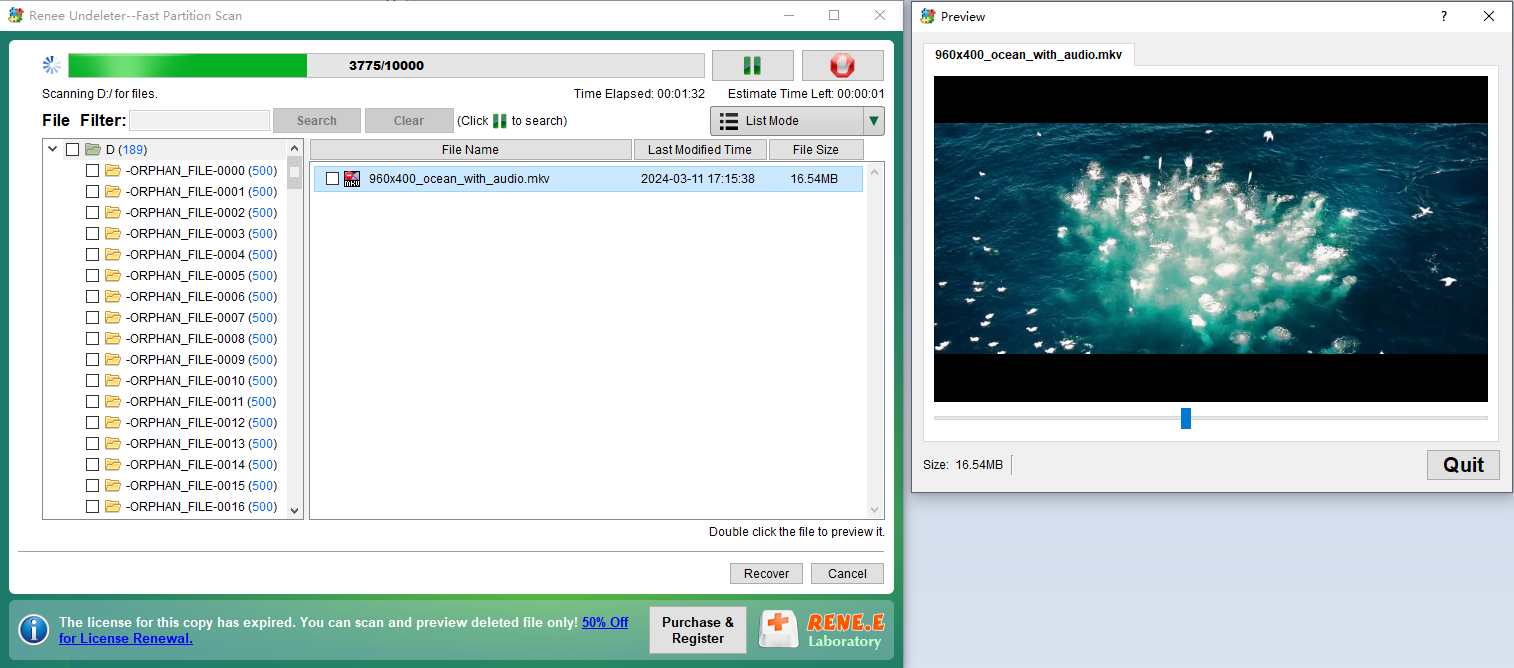
- Fast Partition Scan: Recovers files lost from accidental deletion or recycle bin emptying.
- Whole Partition Scan: Restores files from inaccessible or formatted partitions.
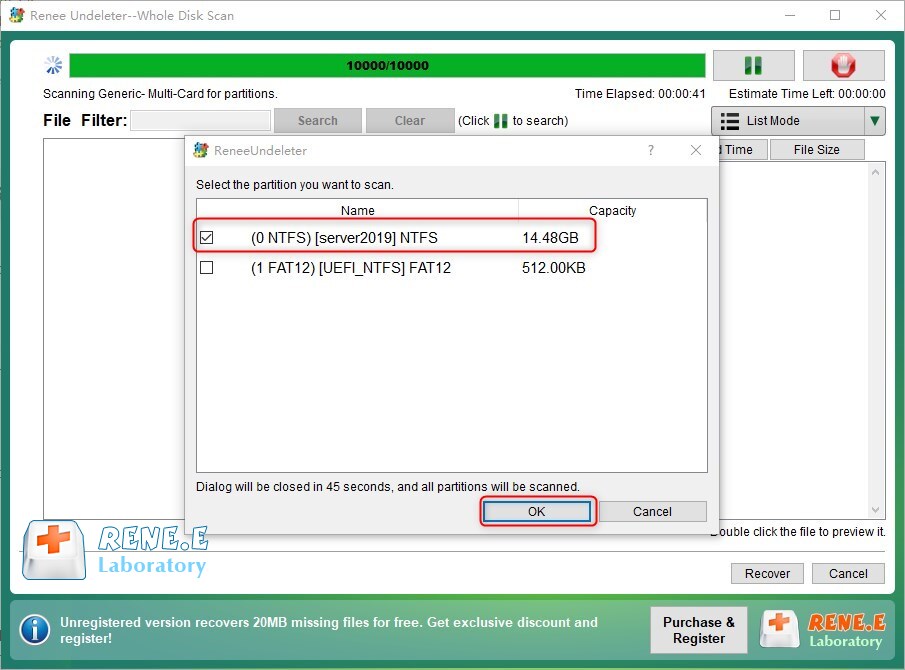
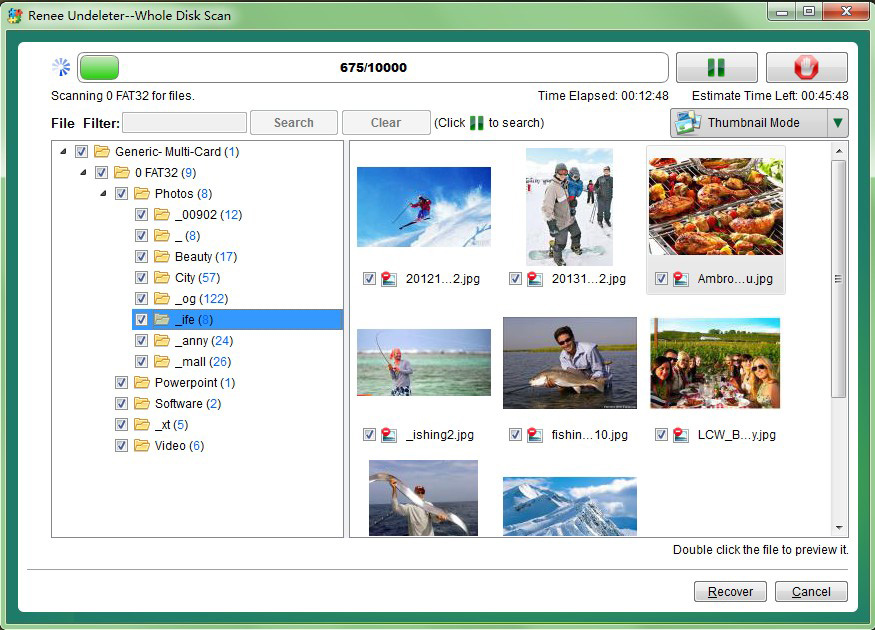
- Whole Disk Scan: Gathers partition info and thoroughly scans entire disk.
- Image Creation: Generates partition mirror images for backup, enabling data restoration from the image.
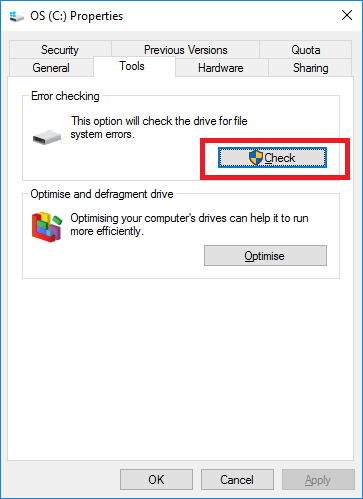
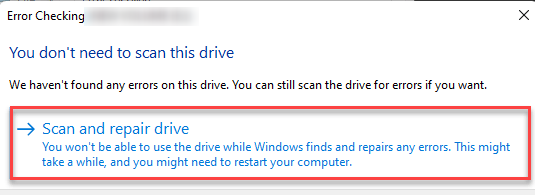
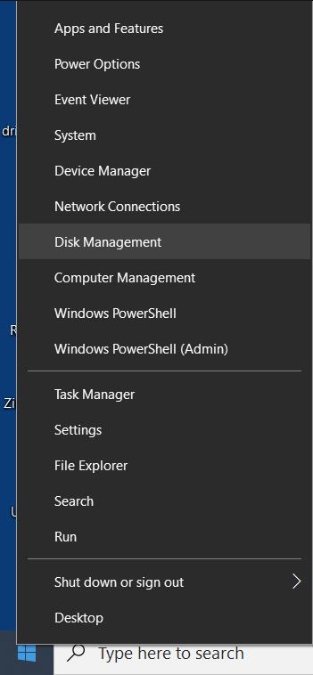
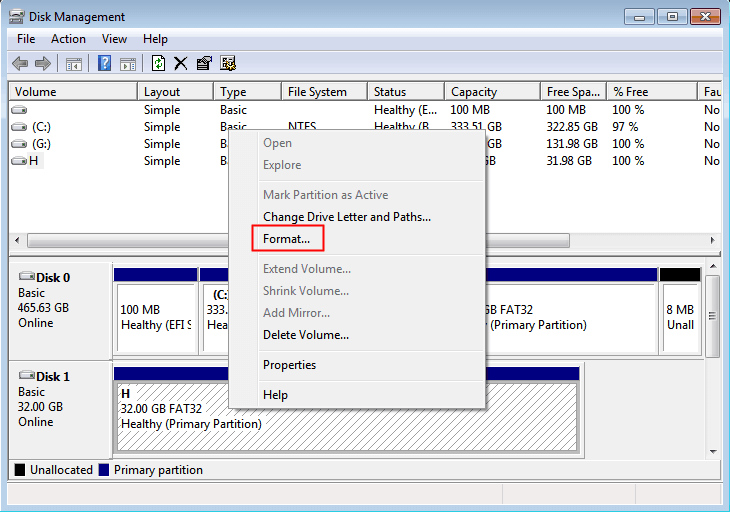
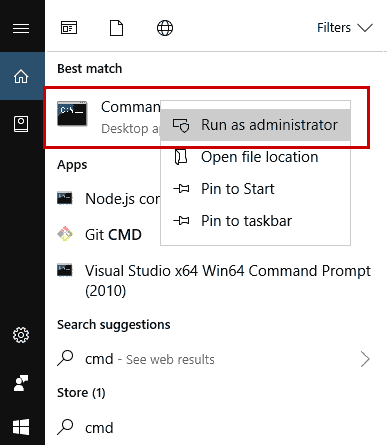
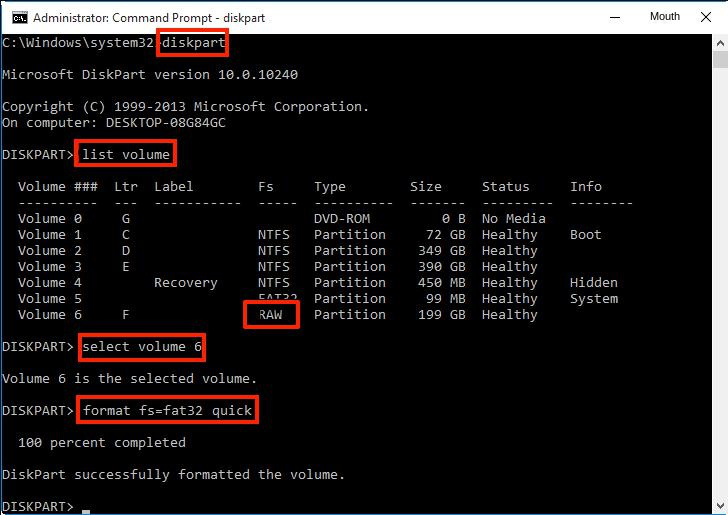
diskpart
list volume
(will list all partitions/volumes in the computer, and you can see the file system of each partition in the “FS” column)
select volume 6
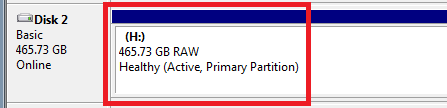
(select volume 6, because its file system is displayed as RAW, which is the target partition, please change the number according to the actual situation)
format fs=fat32 quick
(format the target partition, set the file system of the SD card to FAT32, perform a quick format operation, FAT32 can also be replaced by exFAT or NTFS)
exit

Easy to use Recover data by 3 steps;
Multiple scan modes Fast partition scan, whole partition scan and whole disk scan;
Supported file types Image, video, audio, text, email and so on;
Image creation Create a partition image to read and back up data;
Supported devices SD card, SDHC, SDXC, USB flash drive, hard disk and computer.
▽ Free Trial (Win) ▽ Free Trial (Mac)Relate Links :
How to Fix When Files on SD Card Not Showing up on Android?

27-12-2021
Amanda J. Brook : Sometimes, the SD card files are not showing up on Android. How can we solve the problem? In...
How to Fix GoPro SD Card Error?

29-12-2021
Ashley S. Miller : Some people meet with the GoPro SD card errors, such as “NO SD” and “SD ERR”. In this...
Solutions to SD Card Unexpectedly Removed on Android

24-12-2021
Jennifer Thatcher : Some Android users complain that they always receive the notification saying that the SD is unexpectedly removed. In...
How to Fix Corrupted SD Card on Android?

16-12-2021
John Weaver : SD card is used in various devices, phones, cameras and video games. How to fix the corrupted SD...
Comments
0 comments
Please sign in to leave a comment.