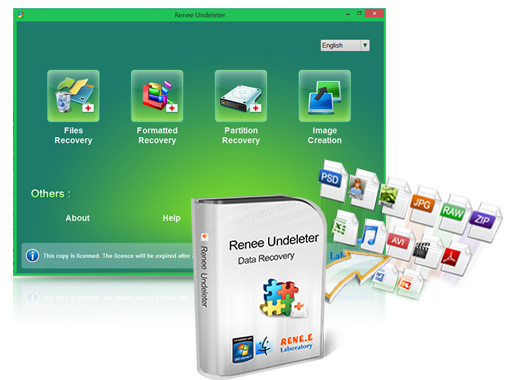
Renee Undeleter is a software specially used to restore various data files. When you accidentally delete important files, empty the recycle bin, or format the disk/storage, you can use this tool to retrieve the lost data. The software covers four functional modules, including file recovery, format recovery, partition recovery and image creation, so it can help you comprehensively solve data loss problems that may occur during system use. The software supports recovery of various data from storage devices such as SD cards, mobile hard drives, U disks, and built-in disks in computers, such as photos, documents, videos, audios, etc., and is suitable for Windows and Mac systems with good compatibility.
It’s very simple to use Renee Undeleter to recover SD card data on a Mac computer. The steps are as follows:
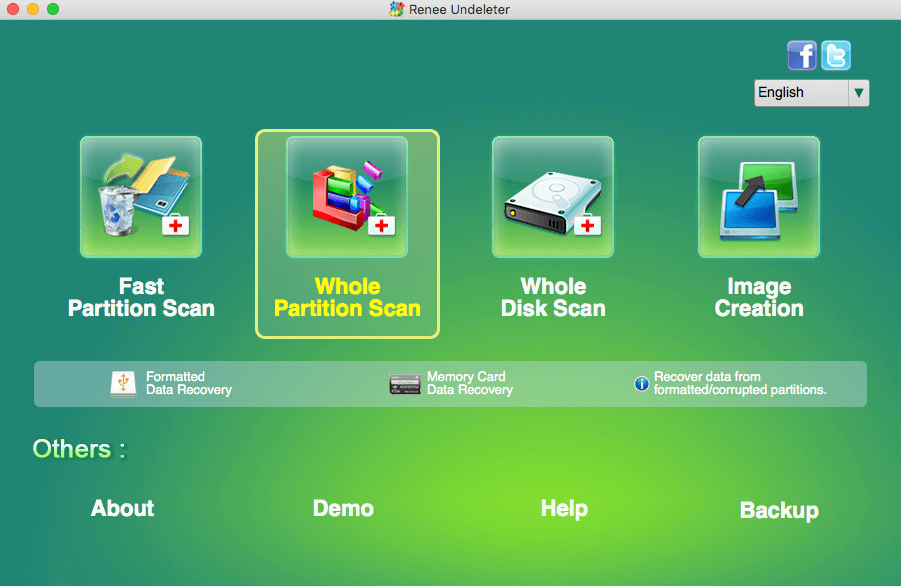
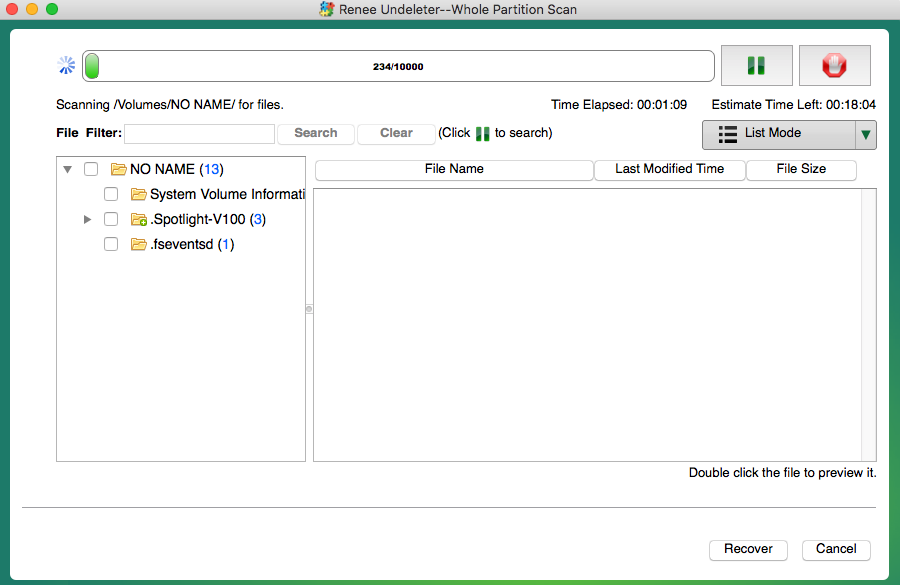
Step 1: Connect the SD card to the Mac computer through a card reader. Download, install, and run Renee Undeleter on the computer. Then select the (Whole Partition Scan) option on the main interface.
Note: To prevent data from being overwritten, avoid installing Renee Undeleter on a disk with lost data. If you need to recover data from the built-in disk, download the software to an external U disk or mobile hard disk, in addition to the SD card.
Data recovery function introduction:
Fast Partition Scan – Quickly retrieve files lost due to accidental deletion or emptying the recycle bin.
Whole Partition Scan – Quickly recover files lost due to inaccessible or formatted partitions.
Whole Disk Scan – Analyze and get partition information and perform a full scan of the entire partition.
Image Creation – You can create a mirror image for a partition to back up the current partition state.
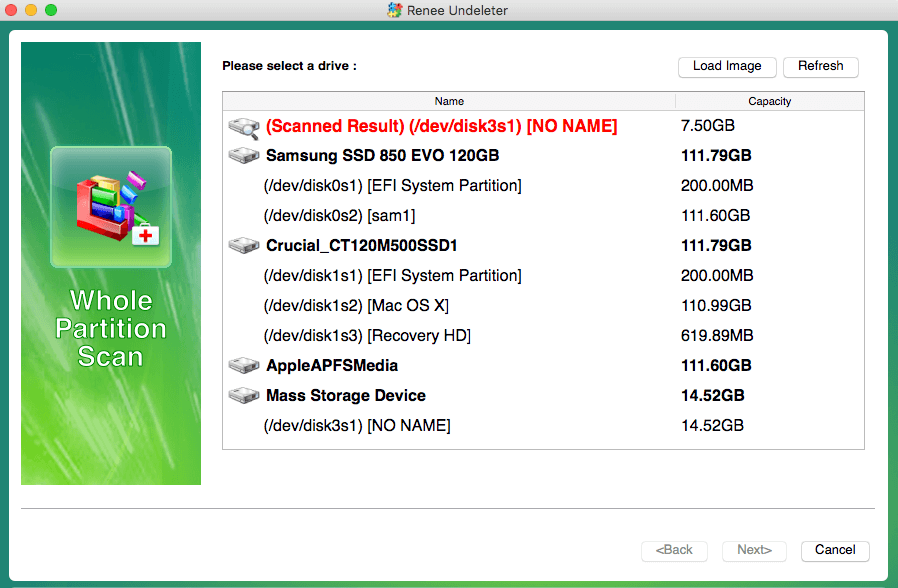
Step 2: Next select the SD card partition where you want to recover data, and click (Next).
Note: After retrieving data from the SD card, if you need to recover data from the internal disk, it is important to avoid installing any software on the same disk. This is because Renee Undeleter is unable to scan disks where software is installed. Additionally, if you are unable to select the built-in disk of your Mac in this interface, it may be due to the system integrity protection (SIP) being enabled on your computer. In order to restore your data, you can first disable SIP, run the program, and then re-enable it.
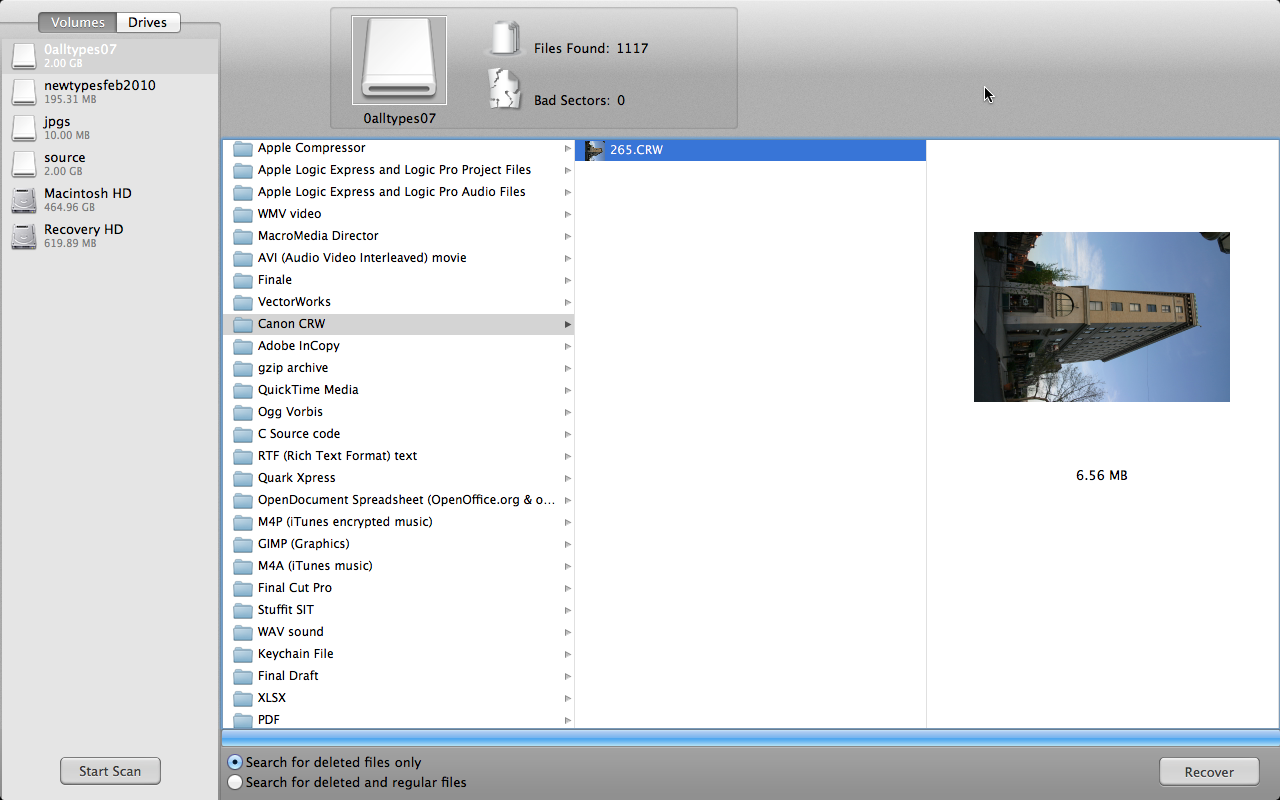
Step 3: After initiating the scan, the duration will vary depending on the size of the hard disk partition. While the scan is in progress, you have the option to preview the file by double-clicking on it. If you come across the file you wish to retrieve, simply select it and click the (Recover) button to halt the scan and begin the recovery process.
Alternatively, you can wait for the scan to complete, choose the desired file from the results, and then click the (Recover) button to save it onto a different disk.
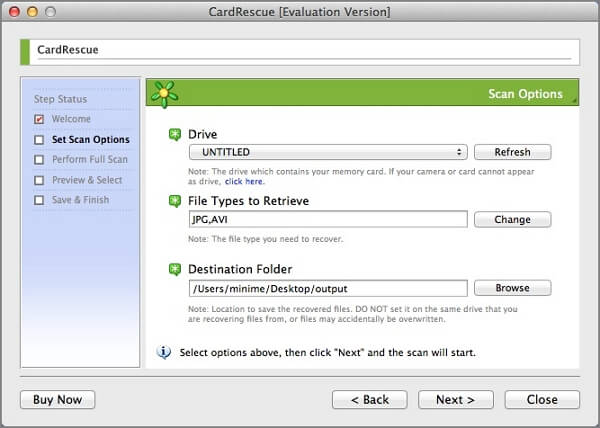
CardRescue is a user-friendly and efficient software for recovering data from SD cards. It has the ability to promptly locate and retrieve lost or deleted photos and videos from camera SD cards, mobile phone microSD cards, and other SD memory cards. This compact program is the perfect tool for SD card data recovery.
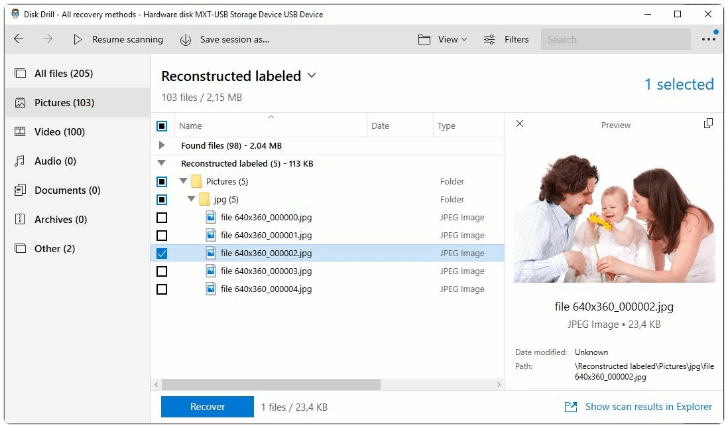
Disk Drill is a comprehensive SD card data recovery software that offers users a complete range of solutions for any data loss scenario. Whether you’ve been hit by a virus, experienced a power outage, accidentally deleted files, or suffered equipment failure, this software can easily retrieve your lost data. With just a few clicks, you can recover valuable photos and videos from your SD card. Plus, you have the flexibility to pause or stop the scanning and recovery process at any time, making it a user-friendly experience.
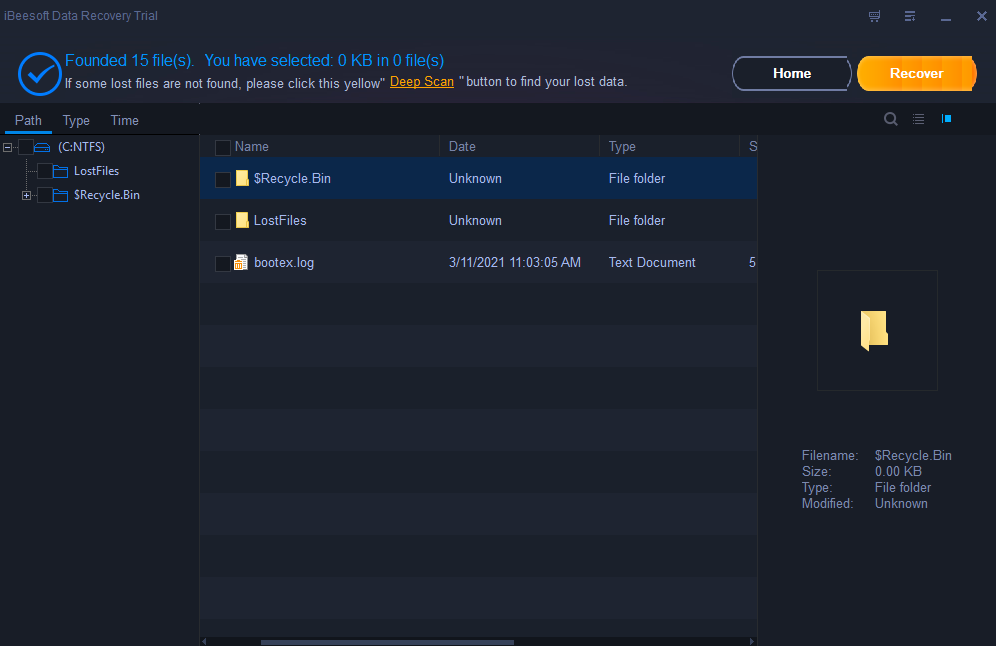
iBeesoft Data Recovery is a user-friendly and efficient tool for recovering data. Its interface is sleek and straightforward, making it suitable for any data loss scenario, whether it be accidental deletion or device malfunction. Moreover, this software has a high success rate in retrieving files from hard drives, SD cards, and USB drives, ensuring a speedy recovery process.
Data Recovery Guru is a very versatile data recovery tool that supports you to recover lost data from SD cards, disks and other storage devices. No matter you delete files intentionally or unintentionally, you can get them back easily with the help of it.



Comments
0 comments
Please sign in to leave a comment.