Table of contents

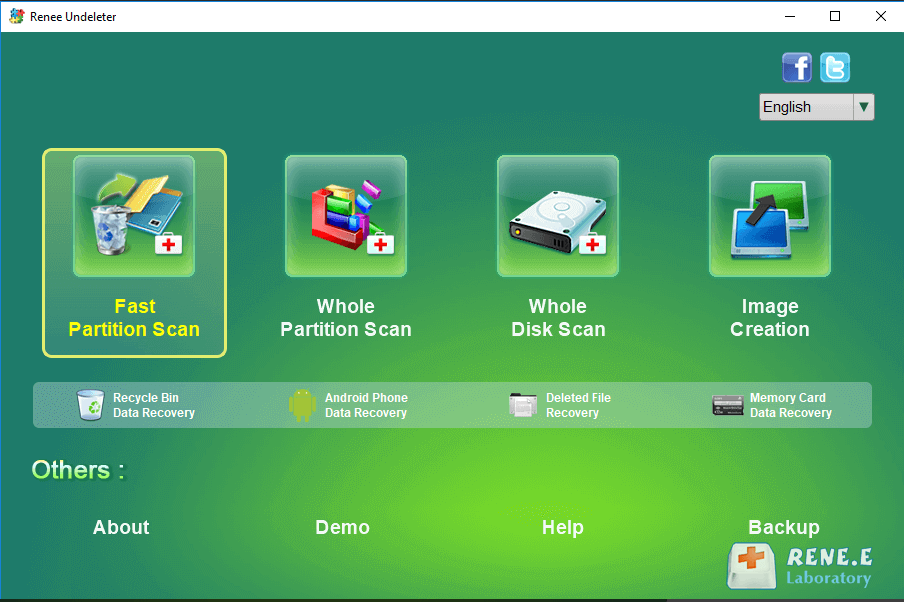
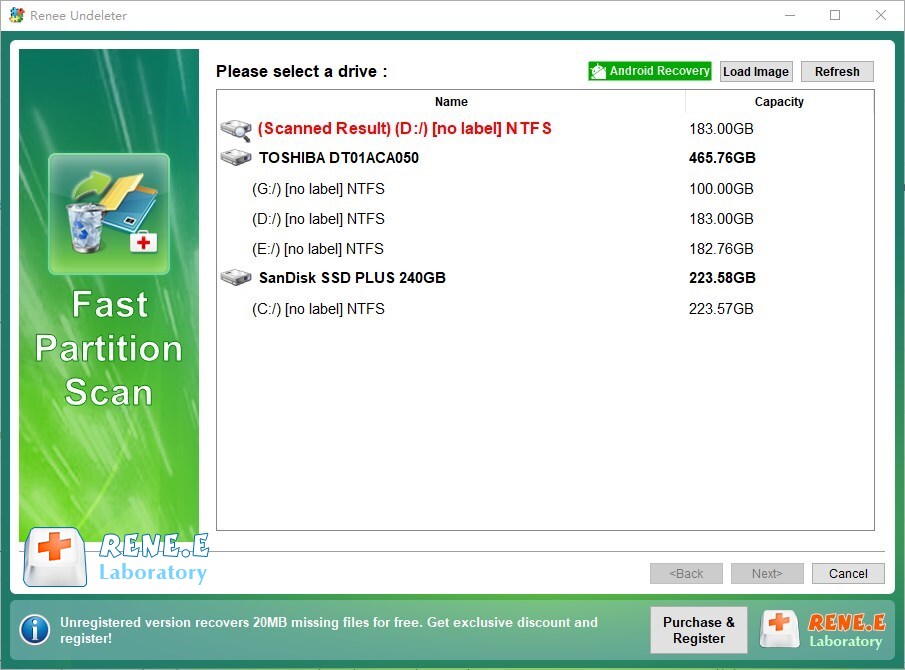
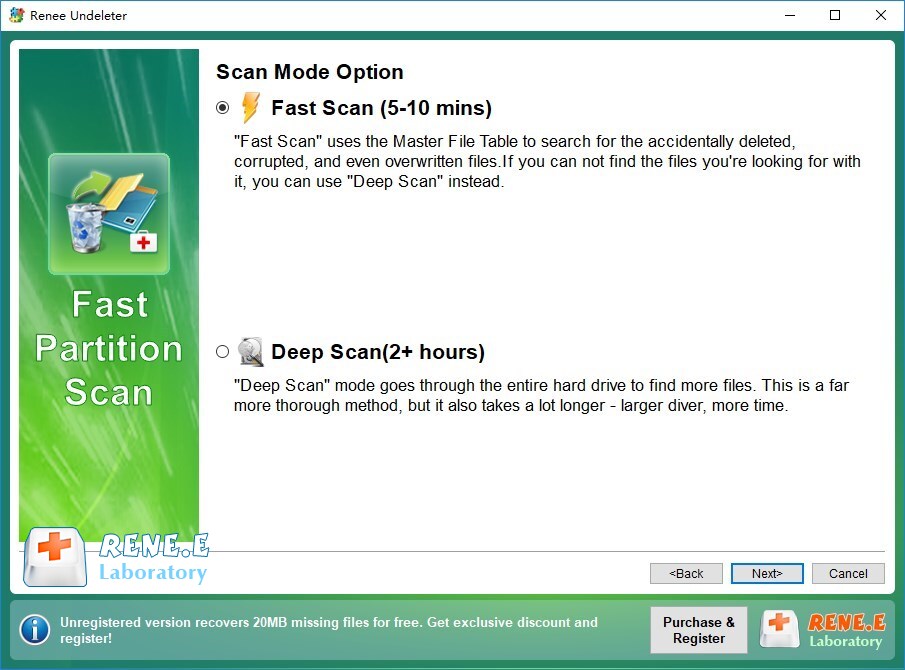
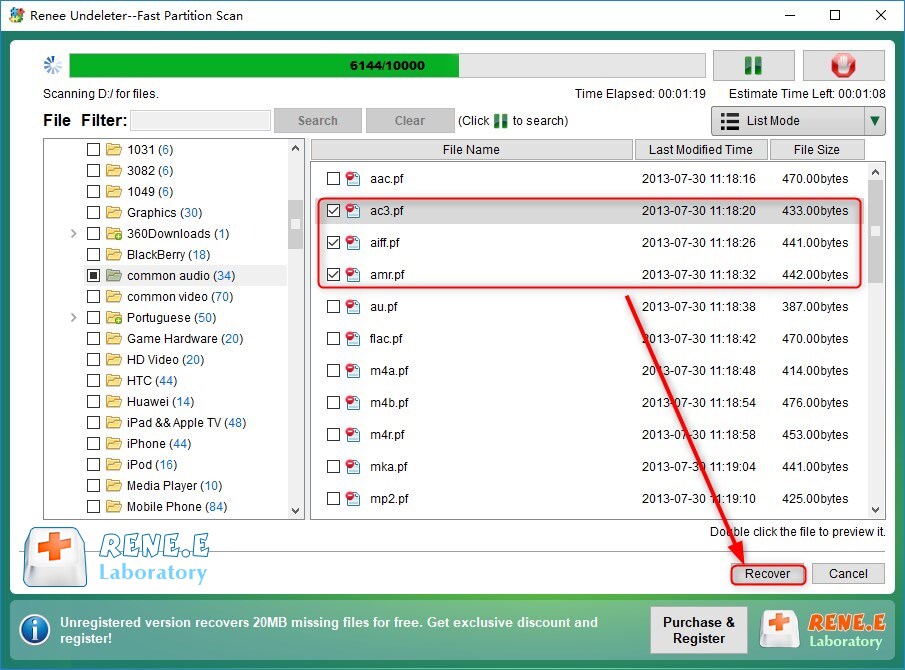
It should be noted that “Fast Scan” only scans the first 30GB of the remaining space of the selected disk. If the desired file is not found after the scan, you can try the “Deep Scan” to scan the remaining space of the partition again, but it will take more time.
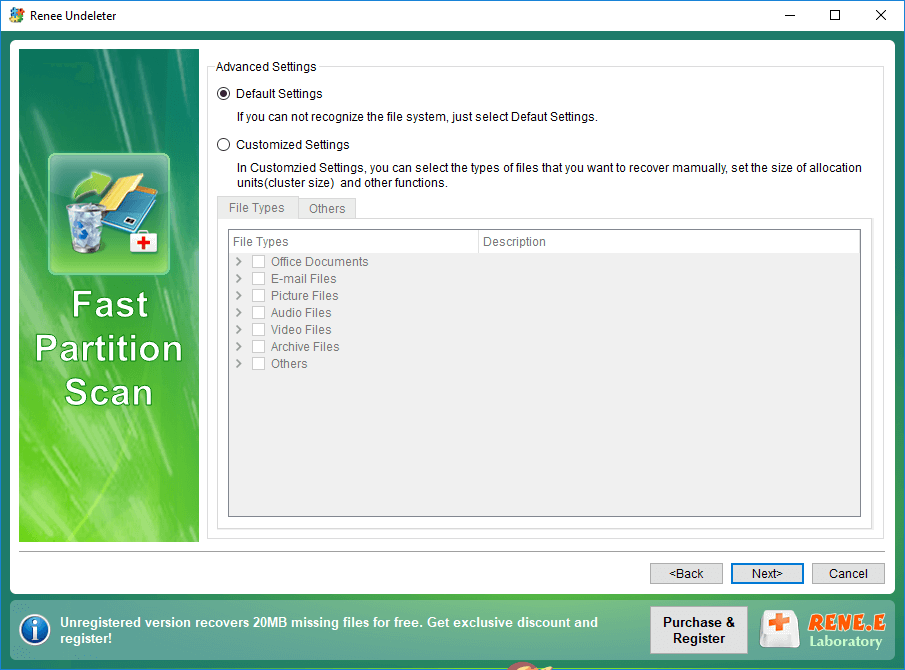
If you are not sure which file type you want to recover, you can select the (Default Setting) option and all file types will be scanned.
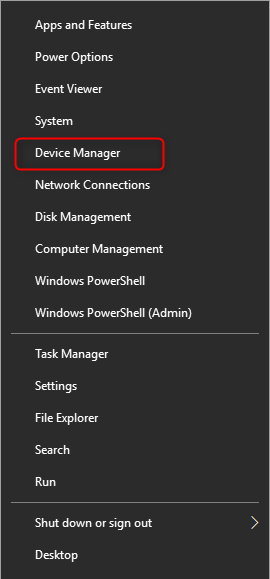
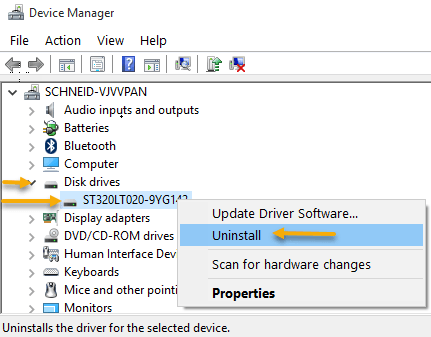
After that, a window to confirm uninstalling the device will appear, just click the (Uninstall) button. The SD card will disappear from the list of disk drives.
Next, remove it from the computer, then put it back, and the the latest driver will be automatically downloaded and installed.
If the problem cannot be solved, you can right-click on the target device (SD card ), and select (Update Driver) > (Automatically Search Driver) to update the driver of the SD card device.
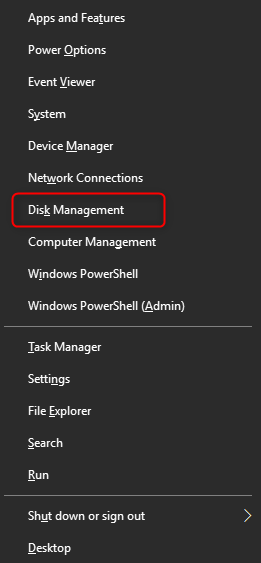
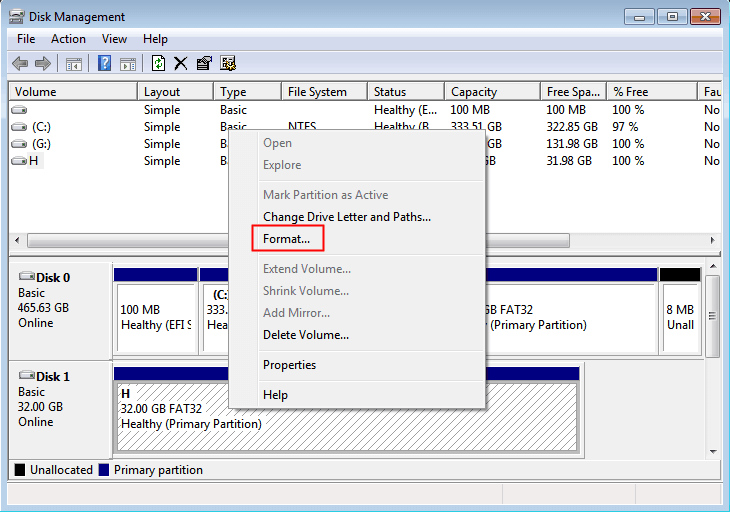
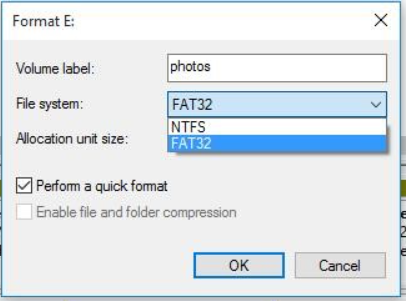
After the formatting operation is complete, restart the computer and reconnect the SD card to the computer to see if the problem is resolved.
Relate Links :
How to Fix When Files on SD Card Not Showing up on Android?

27-12-2021
Amanda J. Brook : Sometimes, the SD card files are not showing up on Android. How can we solve the problem? In...
How to Fix GoPro SD Card Error?

29-12-2021
Ashley S. Miller : Some people meet with the GoPro SD card errors, such as “NO SD” and “SD ERR”. In this...
Solutions to SD Card Unexpectedly Removed on Android

24-12-2021
Jennifer Thatcher : Some Android users complain that they always receive the notification saying that the SD is unexpectedly removed. In...
How to Fix Corrupted SD Card on Android?

16-12-2021
John Weaver : SD card is used in various devices, phones, cameras and video games. How to fix the corrupted SD...
Comments
0 comments
Please sign in to leave a comment.