|
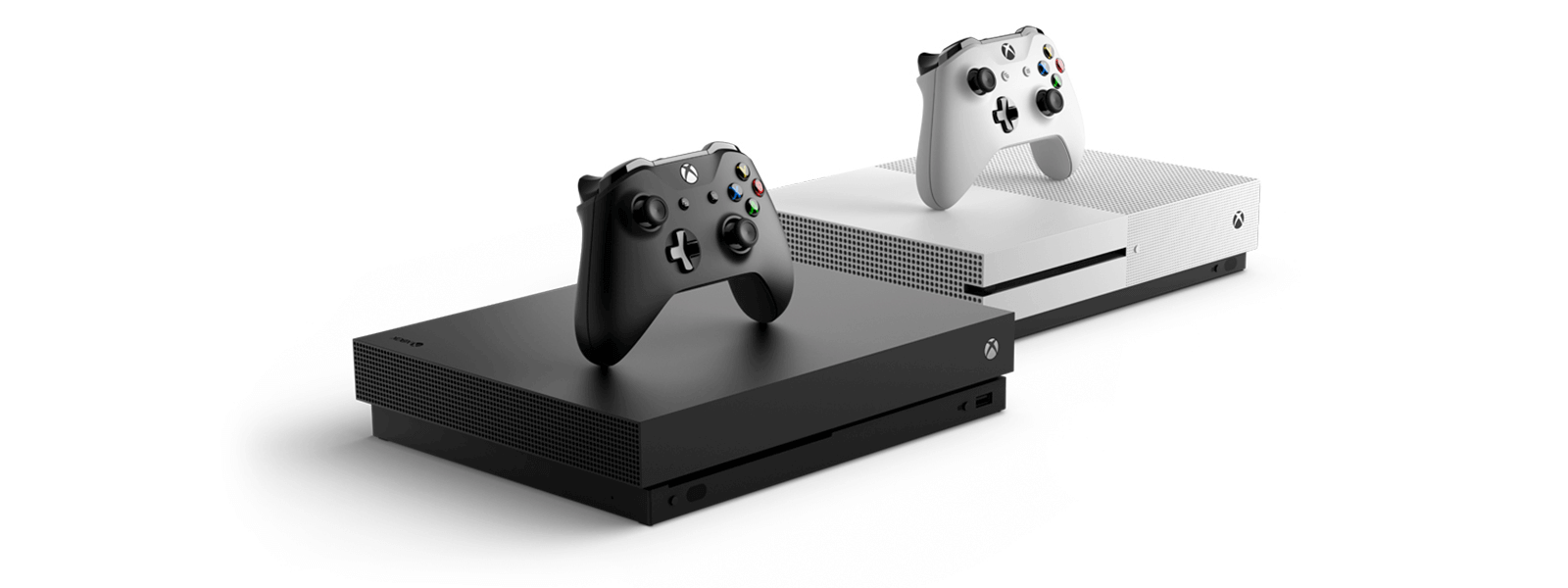
Functions |
XBOX ONE |
XBOX ONE S |
XBOX ONE X |
|---|---|---|---|
| Compatible with all games and accessories | √ | √ | √ |
| Support for XBOX Liver servers | √ | √ | √ |
| Experience 4K Blu-ray and 4K video streaming | √ | √ | |
| 6 teraflops of graphical processing power | √ | ||
| Stream and record clips in 4K resolution at 60FPS | √ | ||
| See every frame with 326 GB/sec memory bandwidth | √ | ||
| Relish 40% more power than any other console | √ |
|
Games |
Accessing time of HDD |
Accessing time of SSD |
|---|---|---|
| Assassin’s Creed Origins | 35.1 seconds | 23.8 seconds |
| Denisty 2 | 24.1 seconds | 17.7 seconds |
| Final Fantasy XV | 67.5 seconds | 23.3 seconds |
| Monster Hunter | 25.6 seconds | 16.9 seconds |
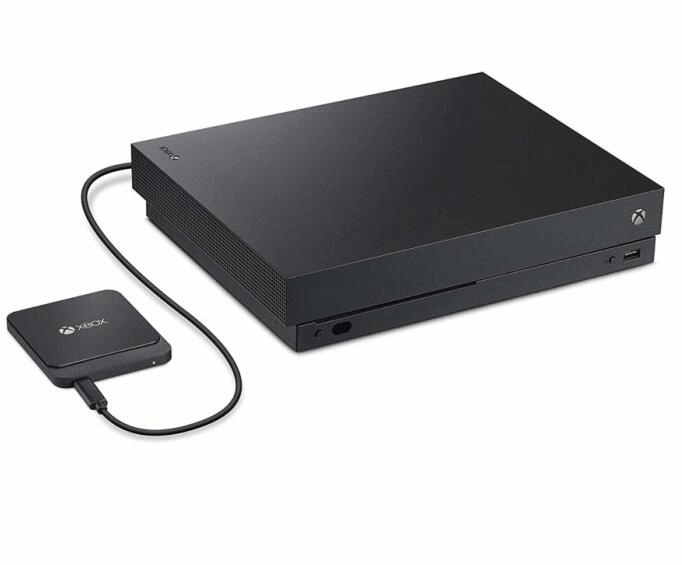
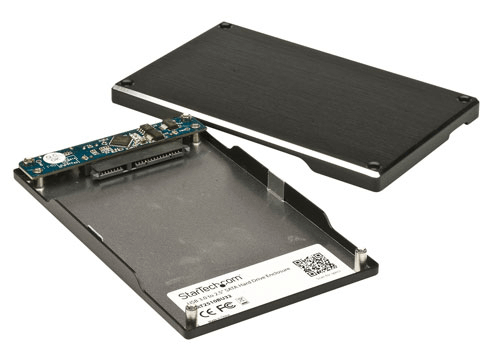
Note : all data on the external SSD will be erased.
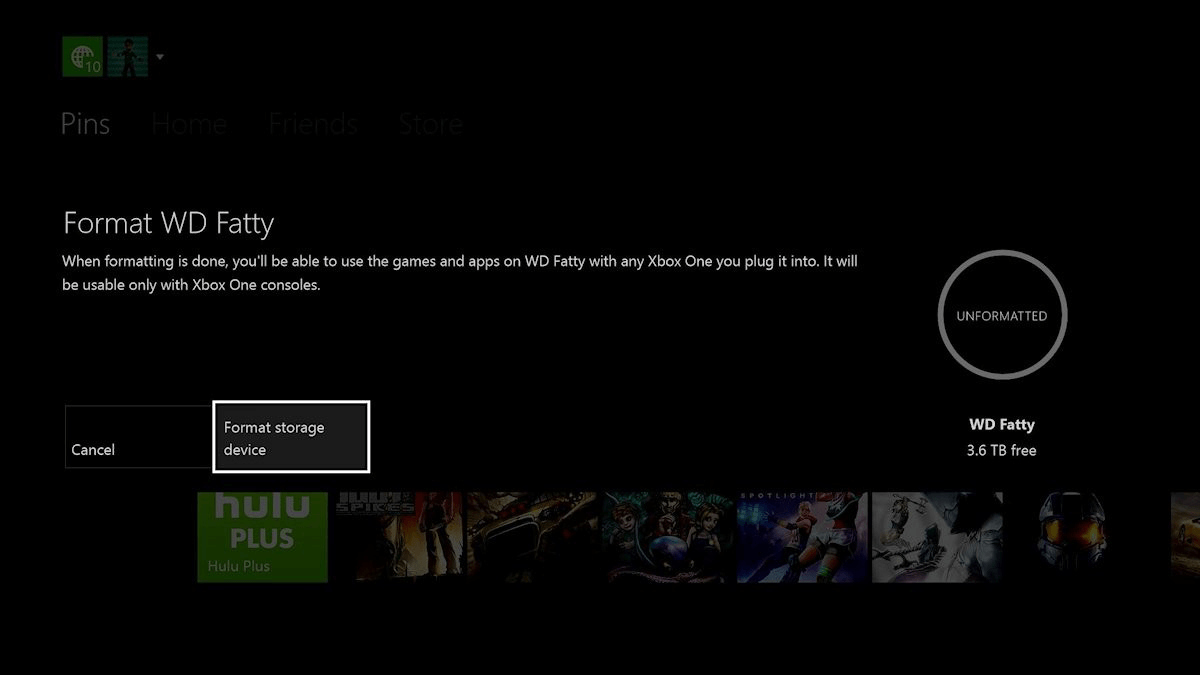
2. Select [ Format Storage Device ].
3. Rename the SSD.
4. Your Xbox One will ask you whether you’d like to [ Install new things here ] or [ Keep current location ]. We’d advise that you install new things onto the external drive.
5. Click the option [ Format storage device ] to begin formatting.
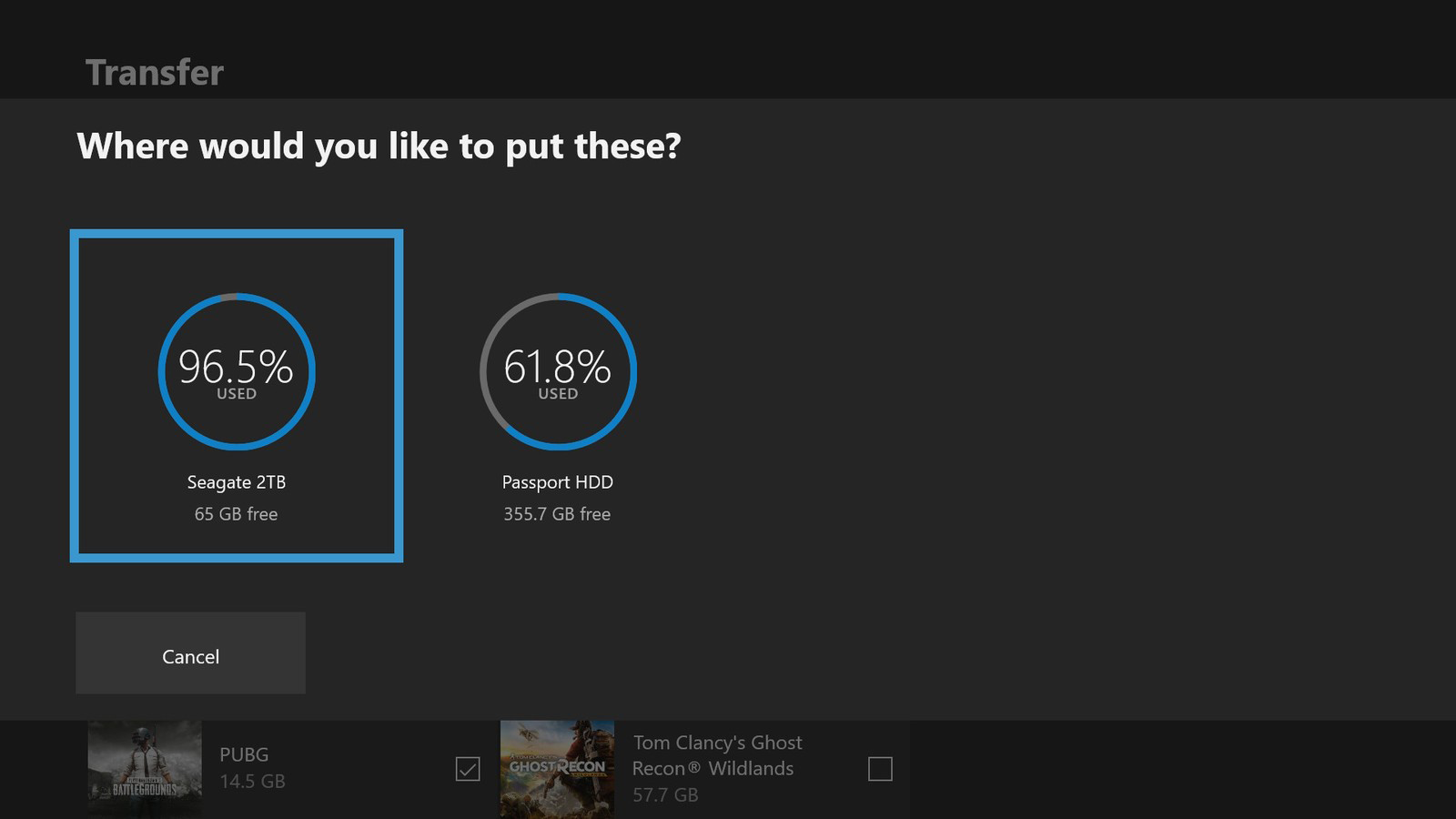
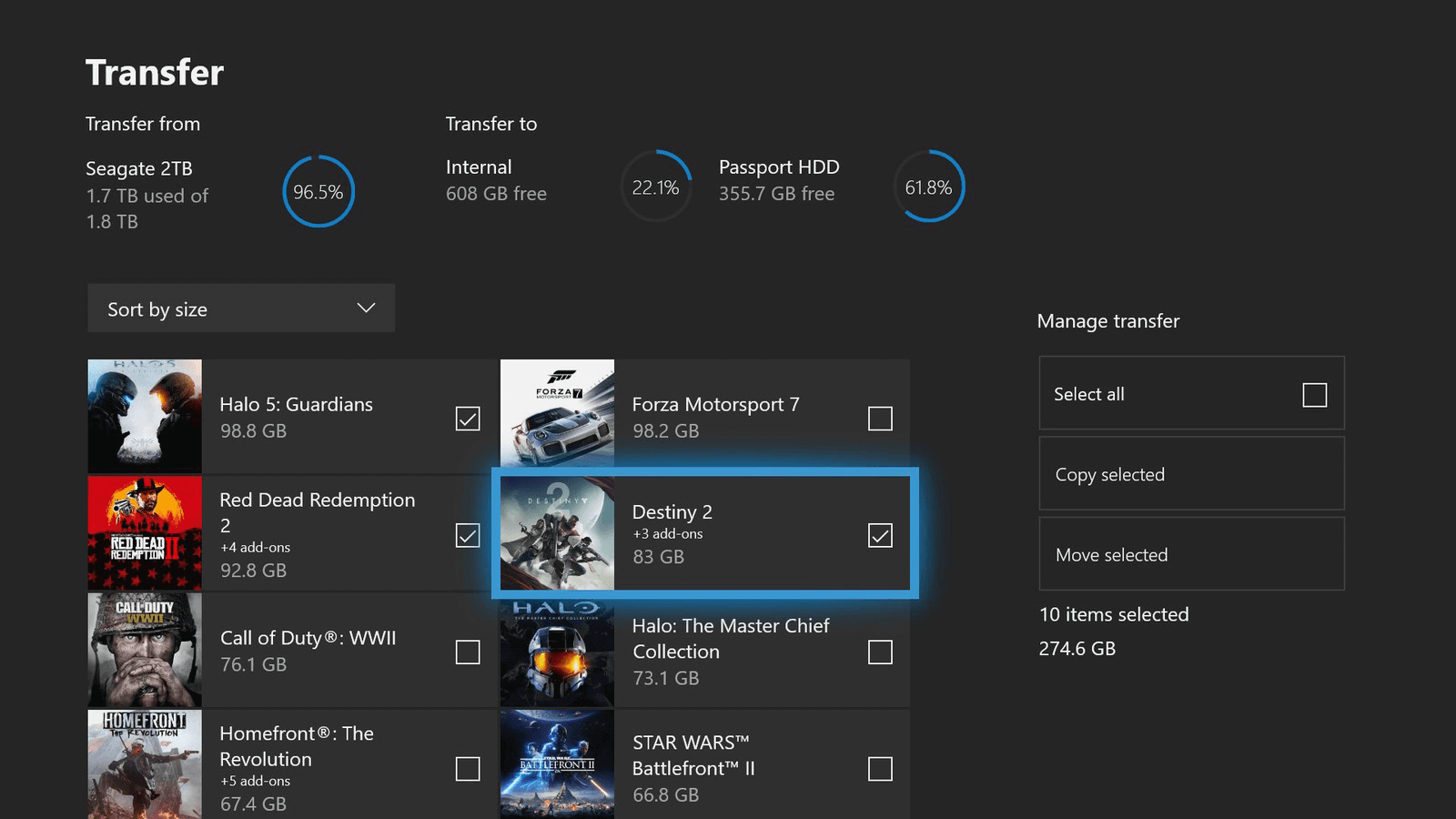
2. Navigate to the tab [ System ].
3. Go to [ Storage ].
4. Select the target disk that you want to move items out.
Relate Links :

15-04-2019
Ashley S. Miller : Being a PS4 users, have you ever annoyed for the time-consuming loading of the game? Want to improve...
How to Activate or Crack Windows 7 for Free?

28-04-2023
John Weaver : Generally, Windows 7 needs to be activated after it is installed. If Windows 7 is not activated, most...
Comments
0 comments
Please sign in to leave a comment.